Make and edit pictures from a description, on your Mac.

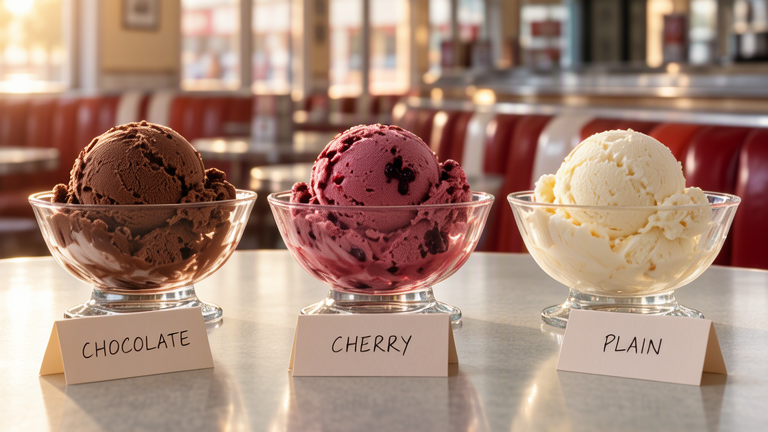
Three glass bowls of ice cream on a diner counter in morning light, with handwritten cards reading CHOCOLATE, CHERRY, and PLAIN
three glass bowls of ice cream on a diner counter in the morning light, chocolate ice cream on the left, black cherry ice cream in the middle, and vanilla ice cream on the right, with folding handwritten cards in front of them saying “CHOCOLATE”, “CHERRY” and “PLAIN” 768 × 432 · 20 steps · 44 seconds on a Mac Studio (M3 Ultra) · other Macs
Download for Mac

Free and open source (Apache 2.0) · Mac with Apple silicon, 32 GB memory, 40 GB disk
Version 1.0.0rc4 · 360 MB

Change a picture

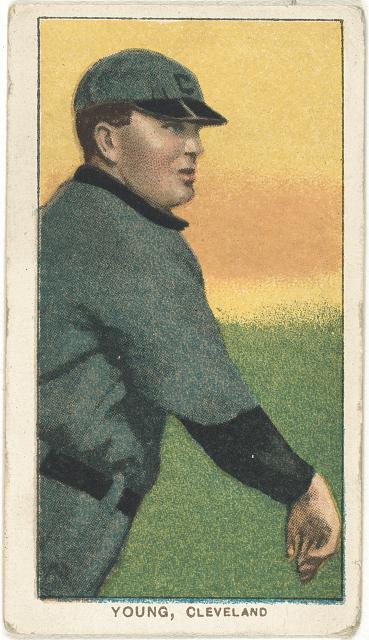
A 1909–1911 baseball card of Cy Young
Start from a picture: a 1909–1911 baseball card
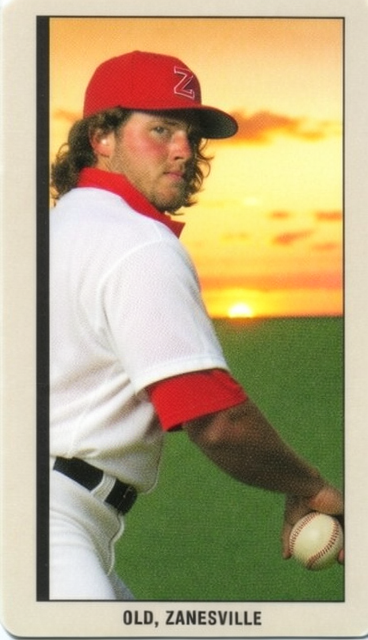
The same pose redone as a modern color card with a red hat and a sunset
Describe the picture you want: a modern color card, red hat, golden-hour sunset

Keep the pose and change everything else, or paint over one part and change only that.

Working from a picture More examples

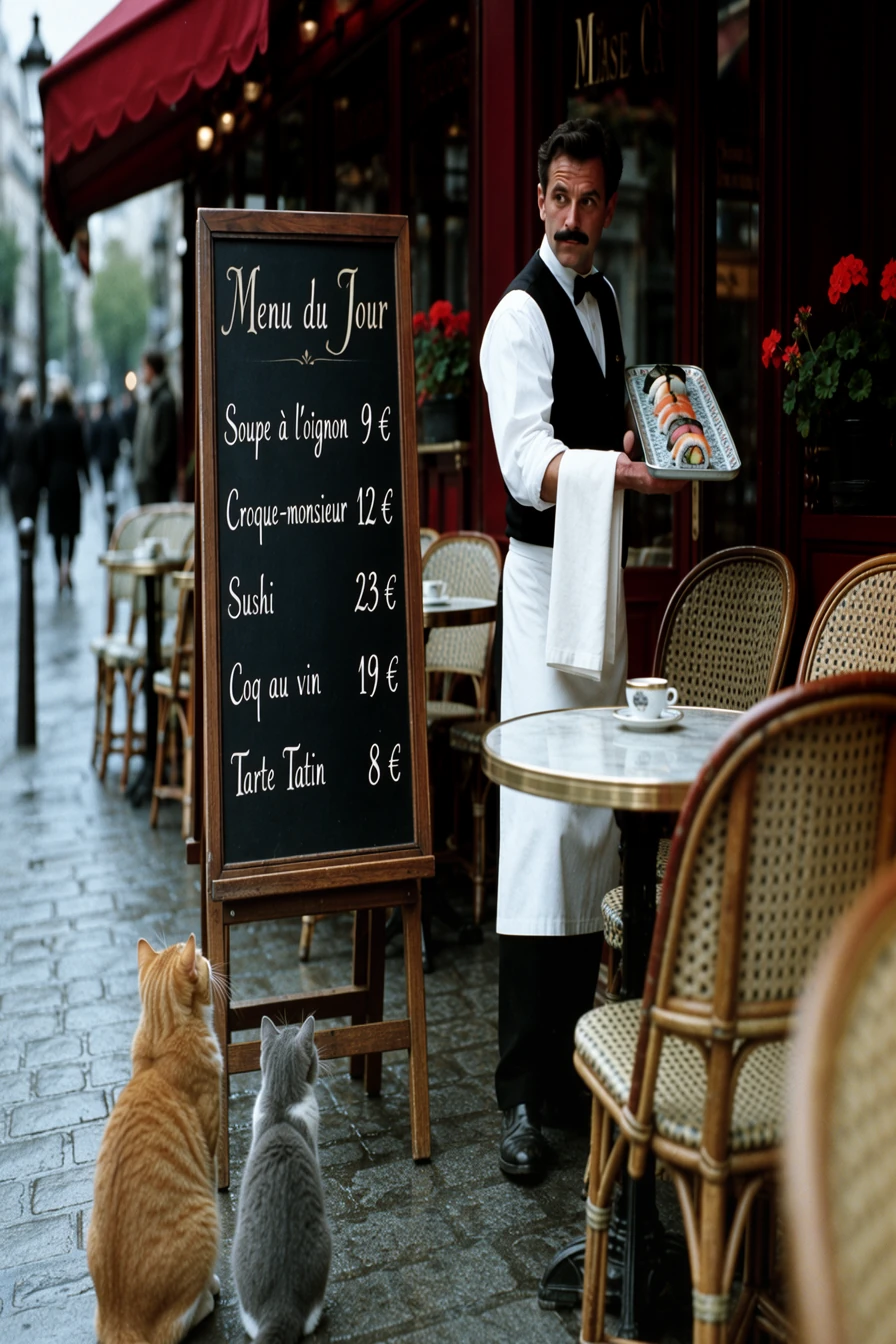
Put things exactly where you want them

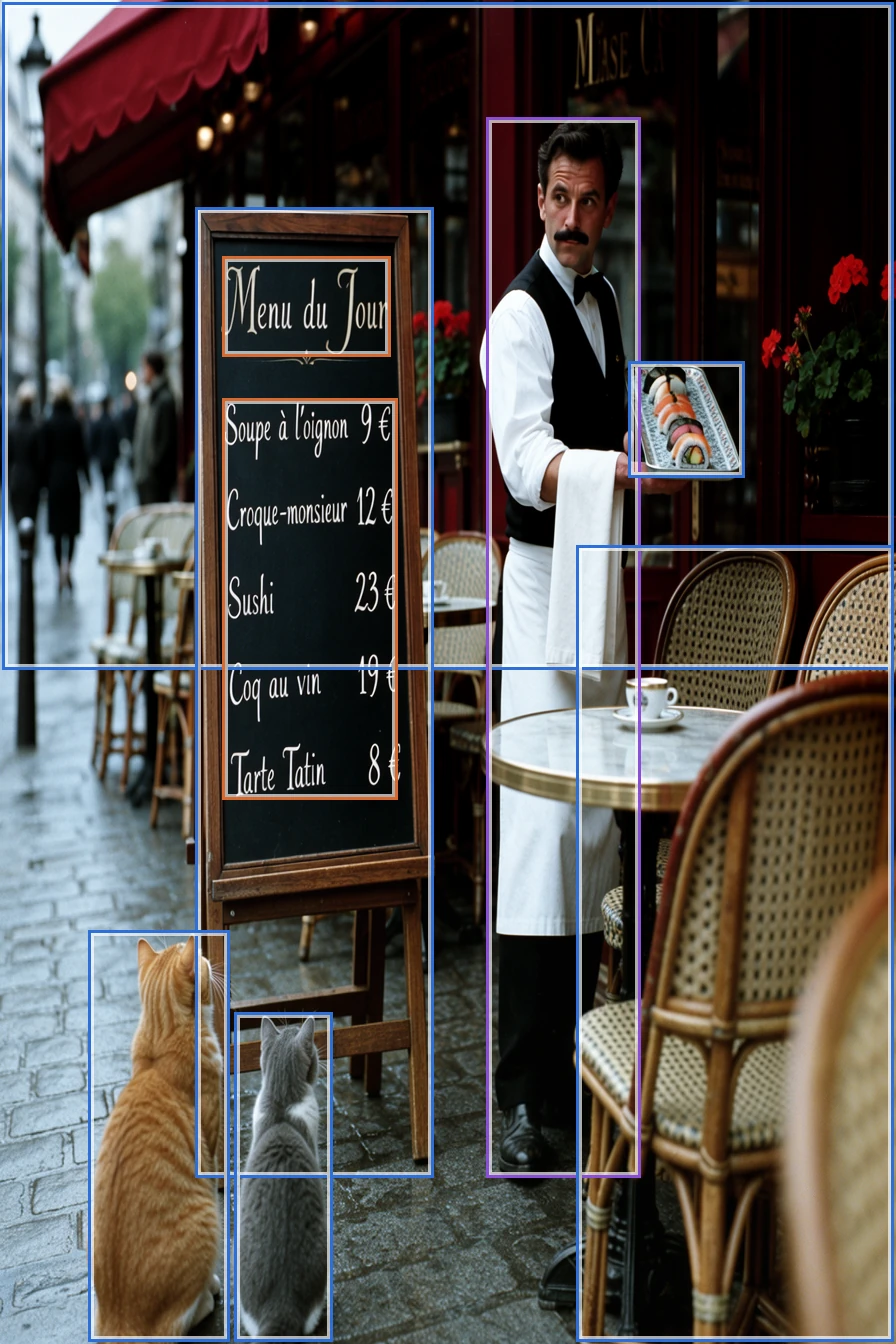
The layout's boxes over the picture: the chalkboard menu and its lines, the waiter, his tray, a bistro table and two cats
The layout: a box for each thing, and the words for the menu
A Paris sidewalk café: a waiter with a tray of sushi beside a chalkboard menu, two cats watching from the cobblestones
The picture: everything where it was drawn, the menu word for word

Draw boxes, say what goes in each, and MOSS-Image puts it there.

Layouts

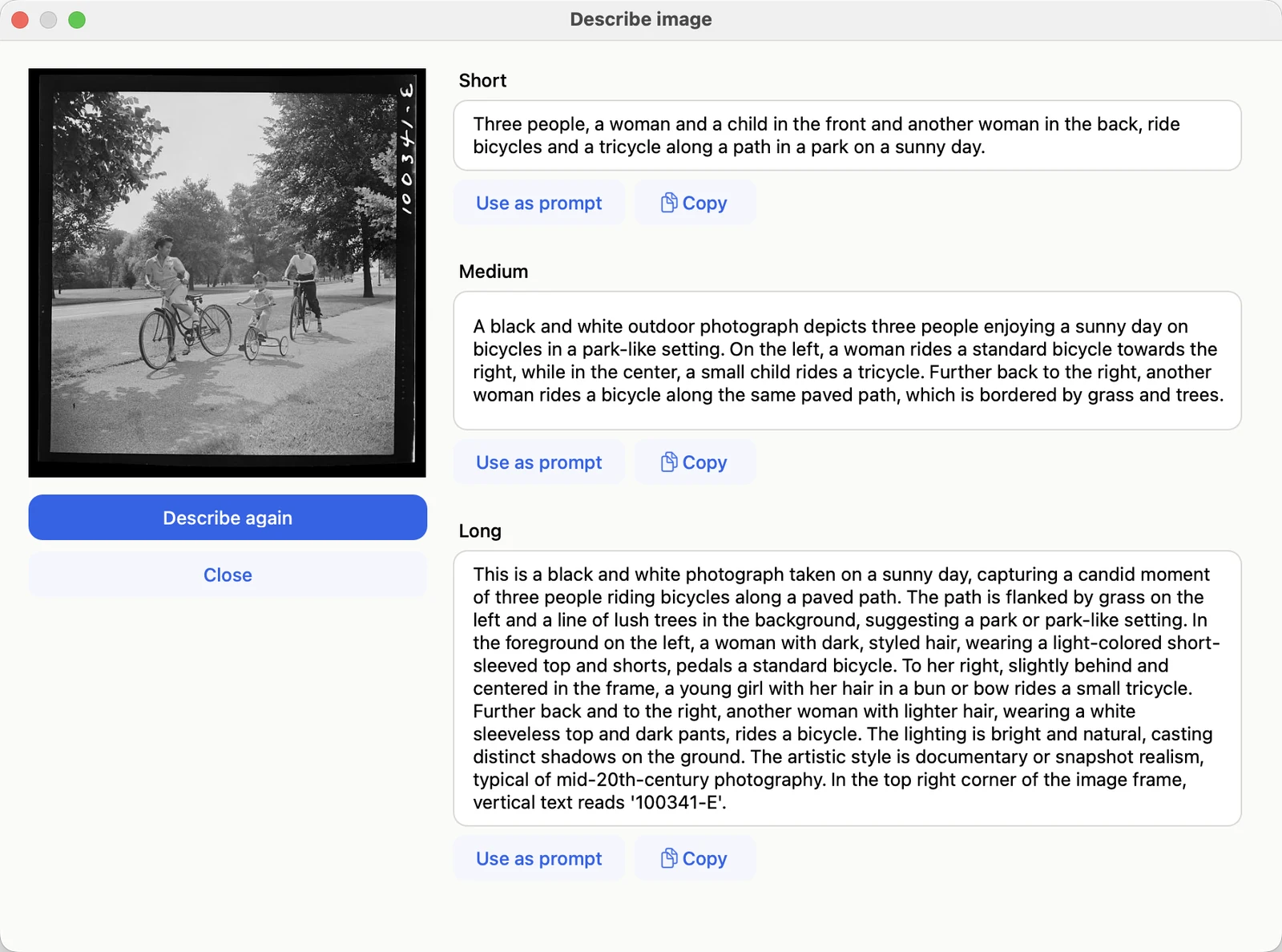
Describe a picture

The Describe image window: a 1942 photograph of two women and a child cycling in a park, with short, medium, and long descriptions beside it

Three descriptions of a 1942 photograph, short to long, each ready to use as a prompt.

Describing images

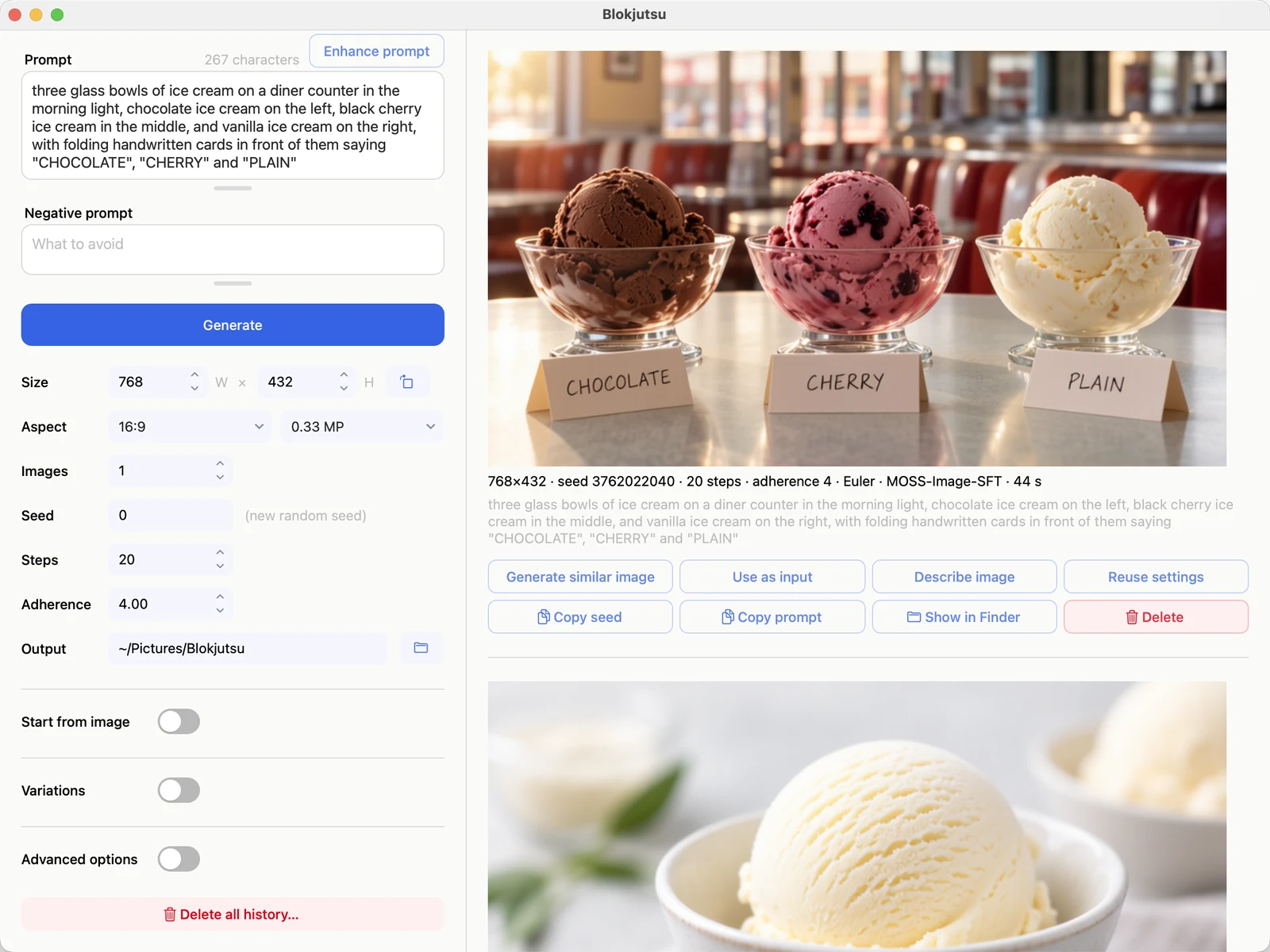
The whole app

The Blokjutsu window: the controls on the left; on the right, the ice cream picture with its settings and buttons beneath it

One window. Every picture is saved with its prompt and settings, and any of them can be the start of the next.

Getting started

Stays on your Mac

Blokjutsu runs MOSS-Image on your Mac’s own processor and memory. Prompts and pictures never leave it; the internet is used only to download the model, when you ask.
What runs where