Variations
A new seed gives a completely different picture. Variations give pictures close to one you have selected as a basis.
From a picture in your history
Click Generate similar image under it. Blokjutsu loads its settings, switches on Variations, and makes Images many variations.
The Variations controls
- Strength: how different each variation is (examples below). 0.05 is a subtle nudge, 0.2 (the default) a clear variation, 0.5 and above a loose relative.
- Variation seed: 0 means new variations every time; a number repeats the same ones.
What Strength does
Variations at strengths 0, 0.10, 0.25, 0.50, 0.75, and 1.00, all from the same picture: the cat seed from Samplers and steps with a new prompt. 512 × 512, Adherence 4.
side view of a red tabby Maine coon cat lying on a bed in moonbeam, sleek modern apartment, digital RAW
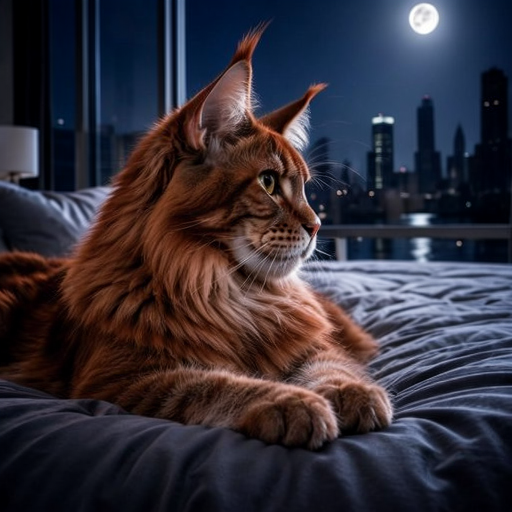 0 (the original) | 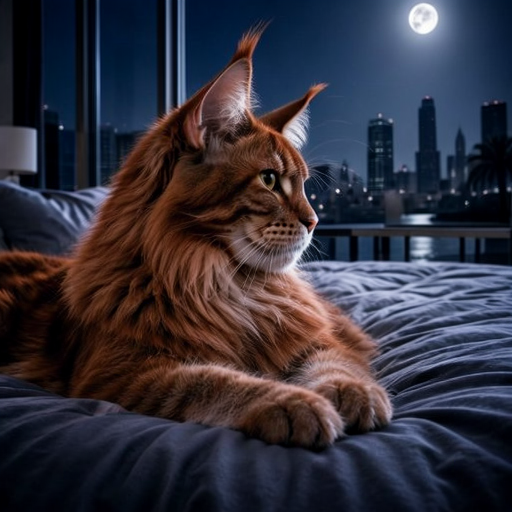 0.10 | 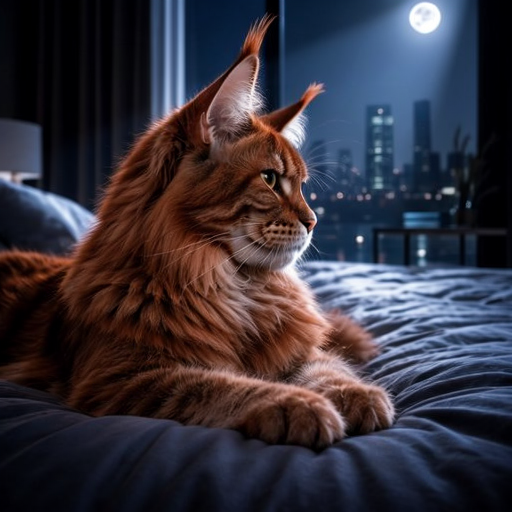 0.25 |
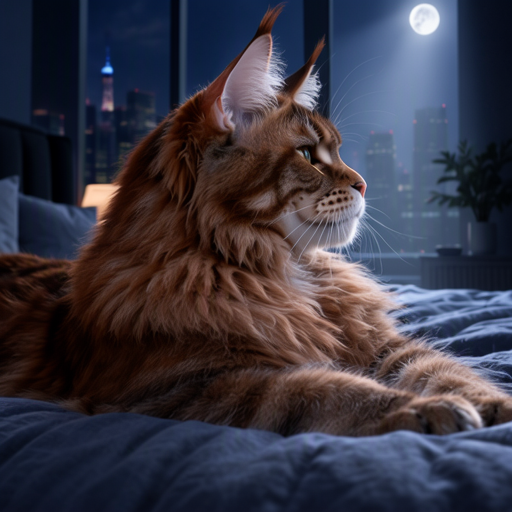 0.50 | 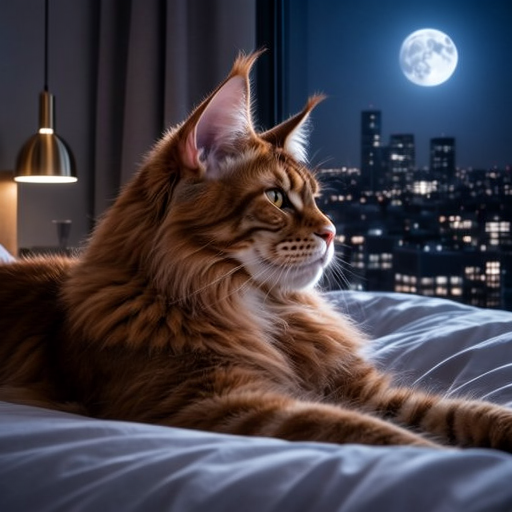 0.75 | 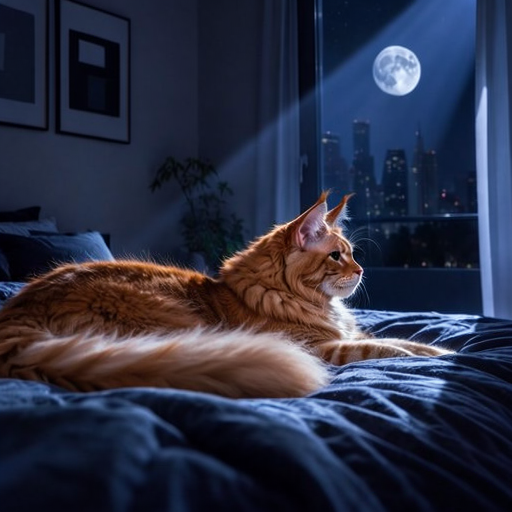 1.00 |
What to notice:
- Up to about 0.25, it’s the same picture with small changes: the skyline, the moon, the fur.
- At 0.5 and 0.75, the room and the light change while the idea stays.
- At 1.0, it’s a new picture, as different as a new seed.
Exploring
Click Generate similar image on a variation to vary it again. Each step is recorded with the picture, so any picture in the chain can be made again exactly.