Examples
Each grid below changes one setting and keeps everything else fixed, so you can see what that setting does; the last two sections show editing part of a picture and describing one. Each ends with a link to the page that explains it. Click any image to see it full size. The images are exactly as Blokjutsu made them, saved without loss.
Samplers and steps
The four samplers at 5, 10, 20, 30, and 50 steps, all with the same prompt and seed:
side view of a red tabby Maine coon cat lying on a bed in a ray of sunshine in the afternoon, shabby chic, 35mm film grain
512 × 512, Adherence 4, seed 1932434153, Advanced options at their defaults.
| 5 steps | 10 steps | 20 steps | 30 steps | 50 steps | |
|---|---|---|---|---|---|
| Euler | 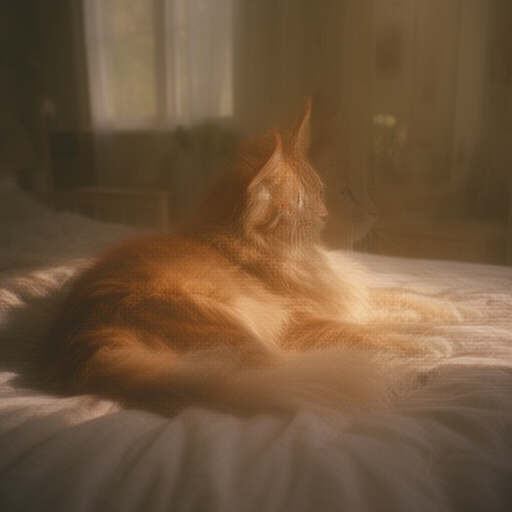 | 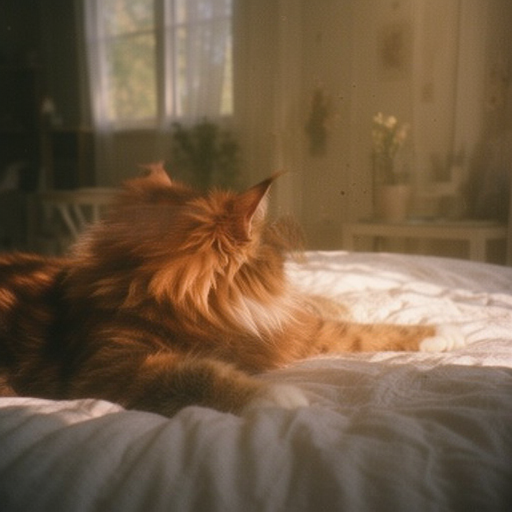 | 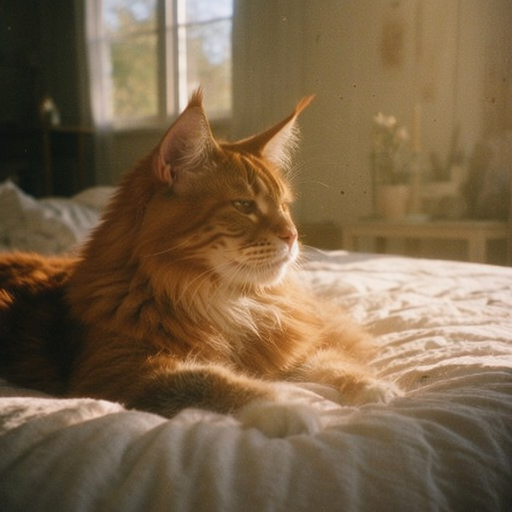 | 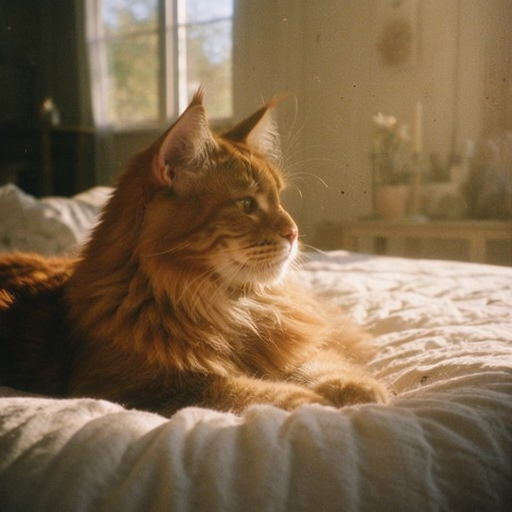 | 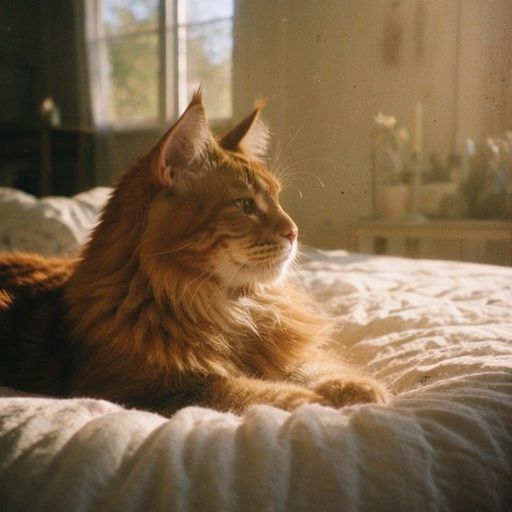 |
| Euler SDE | 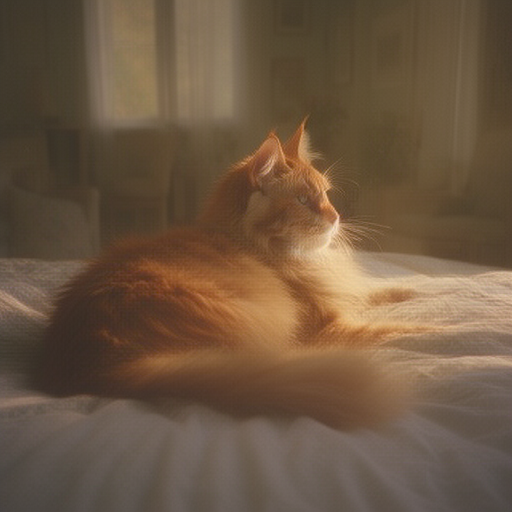 | 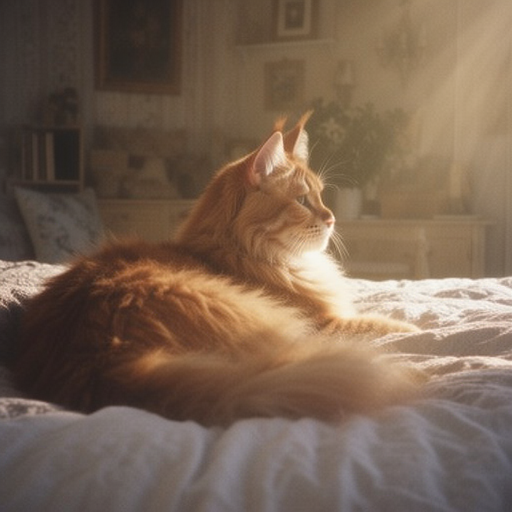 | 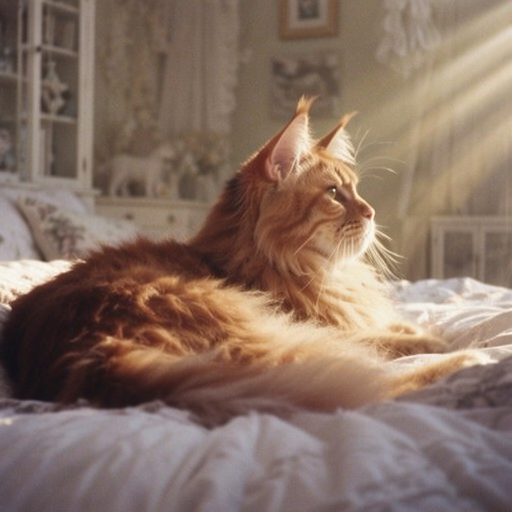 | 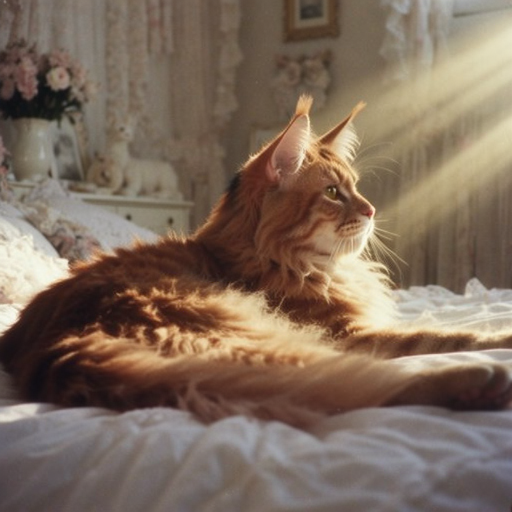 | 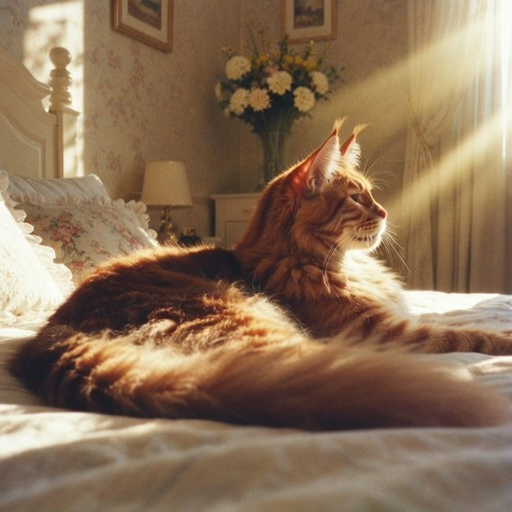 |
| DPM++ 2M | 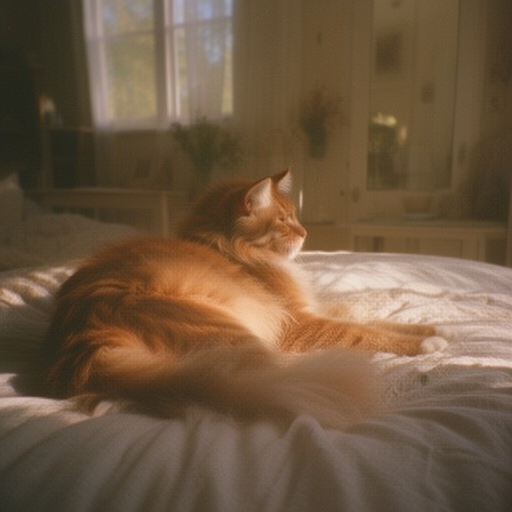 | 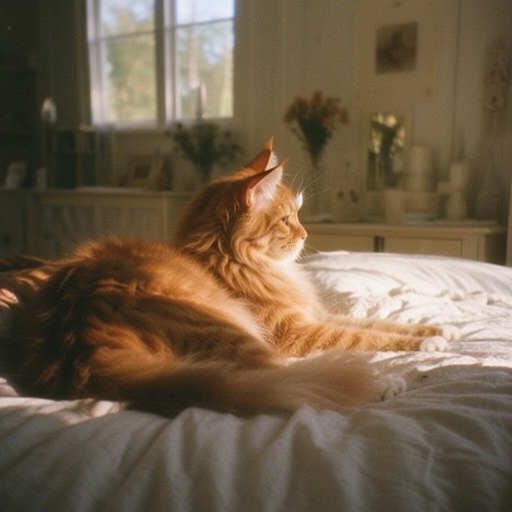 | 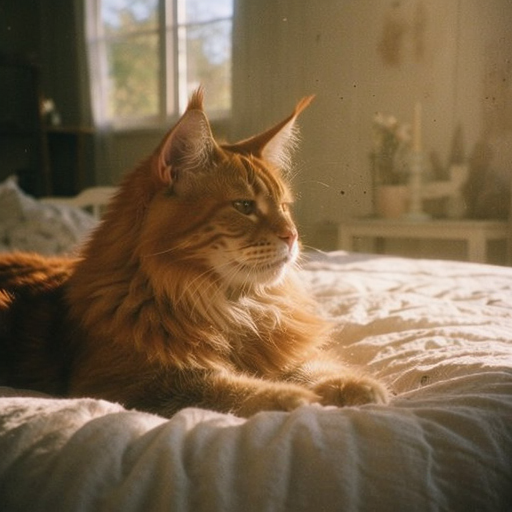 | 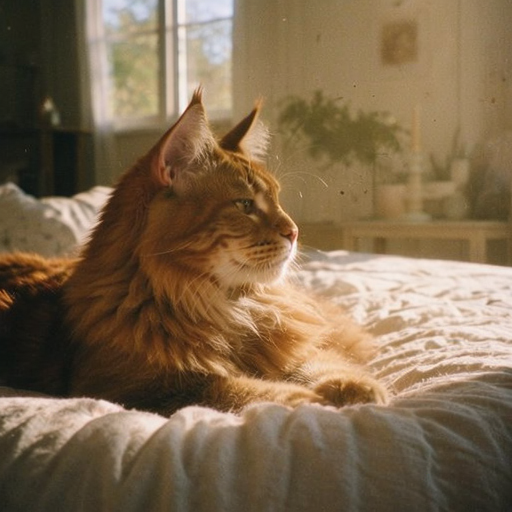 | 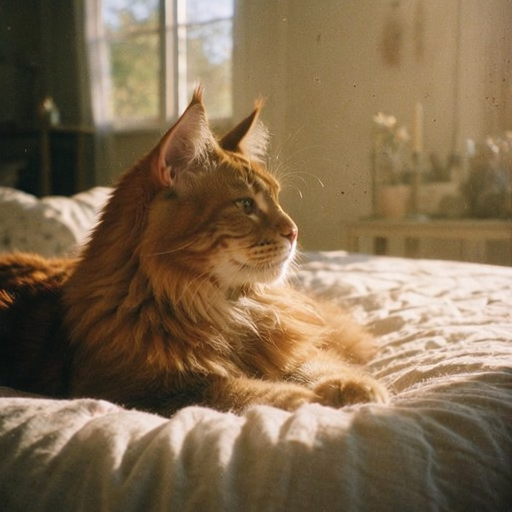 |
| UniPC | 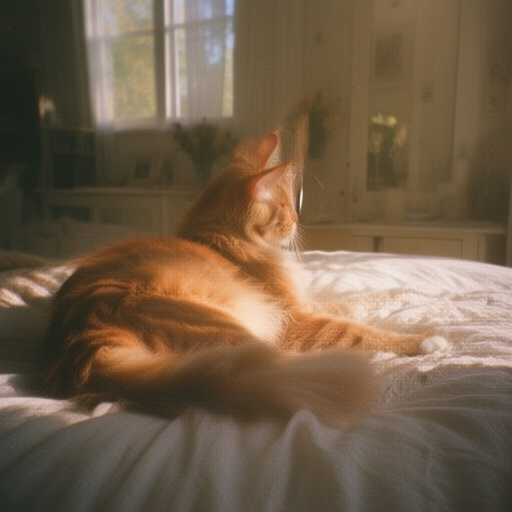 | 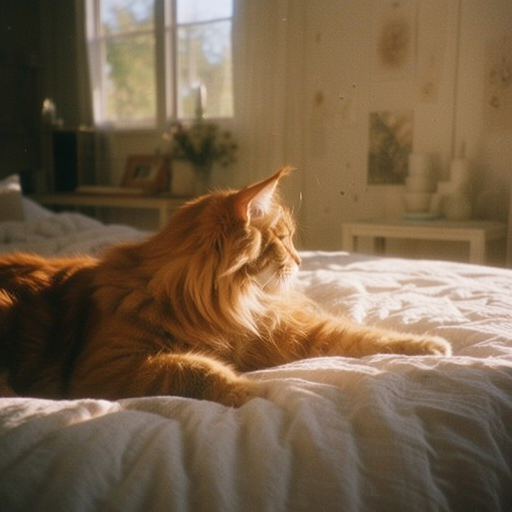 | 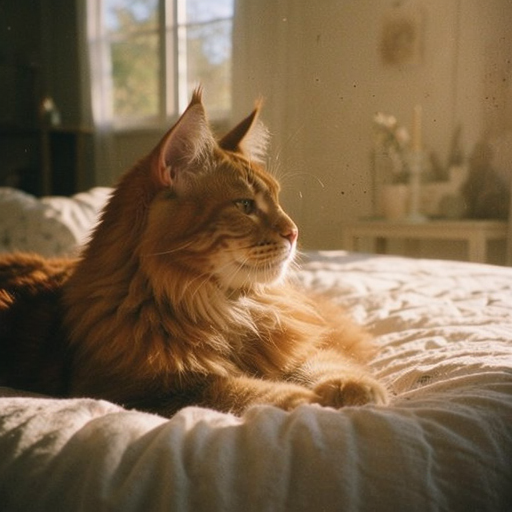 | 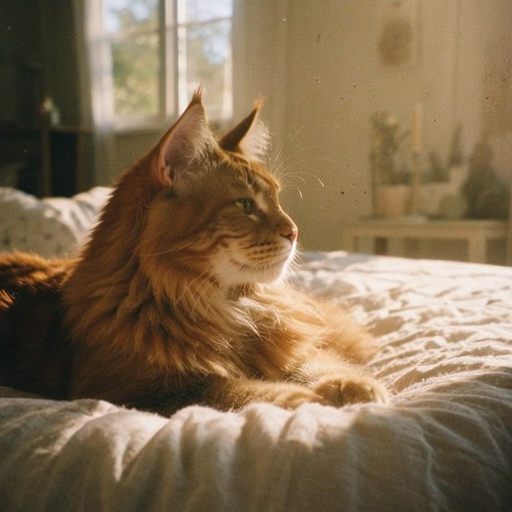 | 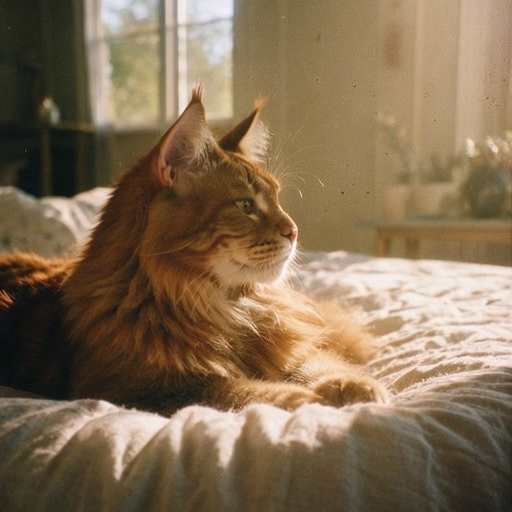 |
What to notice:
- Euler, DPM++ 2M, and UniPC settle on the same picture. By 20 steps the three are almost identical, and 30 or 50 steps add little more for this prompt.
- DPM++ 2M and UniPC are usable at 10 steps, while Euler is still hazy. Their 10-step pictures are sharp, though the cat’s pose and the framing differ from the settled picture.
- At 5 steps, every sampler is still soft and blurry.
- Euler SDE keeps changing as the steps go up, because it adds fresh randomness at every step. Here it drifted toward a busier room with a visible sunbeam, arguably closer to “shabby chic” and “a ray of sunshine,” but a different picture from the others.
So for this prompt, 20 steps with any of the first three is enough, and 30 is a safe choice in general. DPM++ 2M at 10 steps is a quick preview of the idea, though not of the exact picture you’d get with more steps.
Adherence
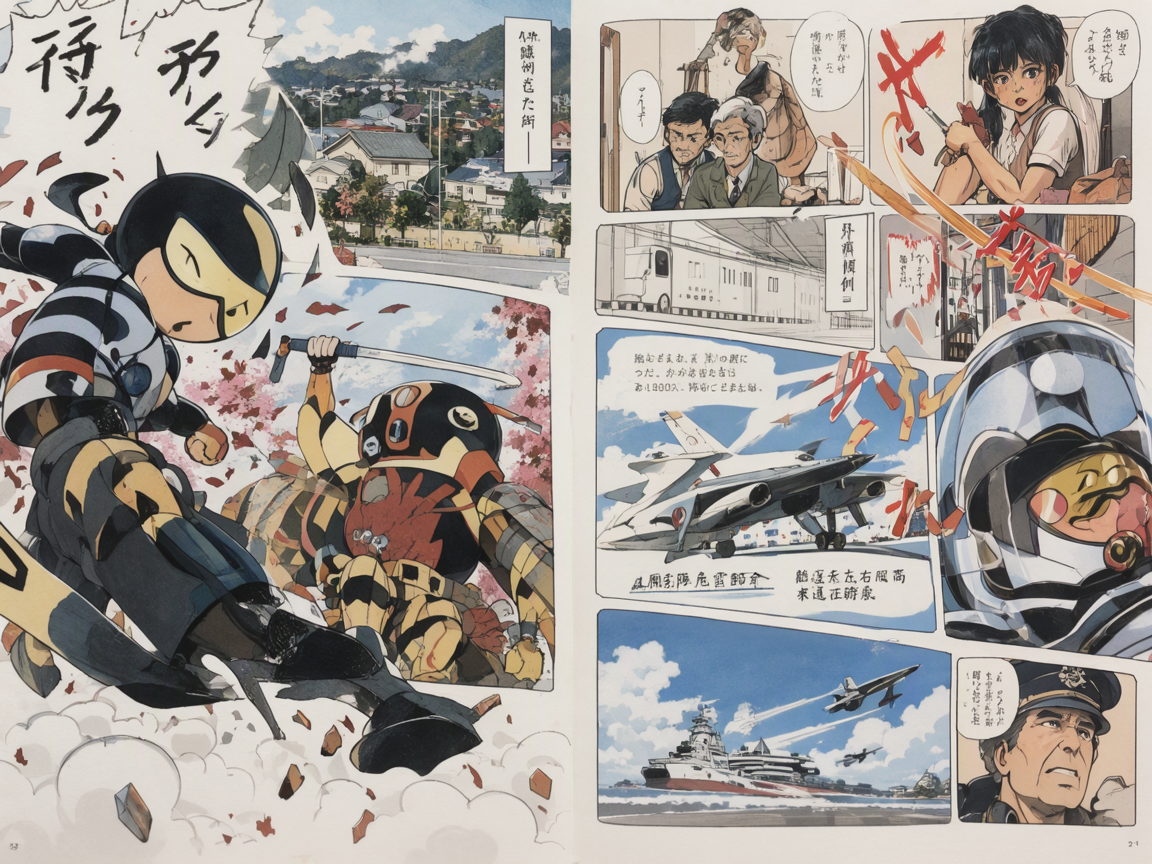
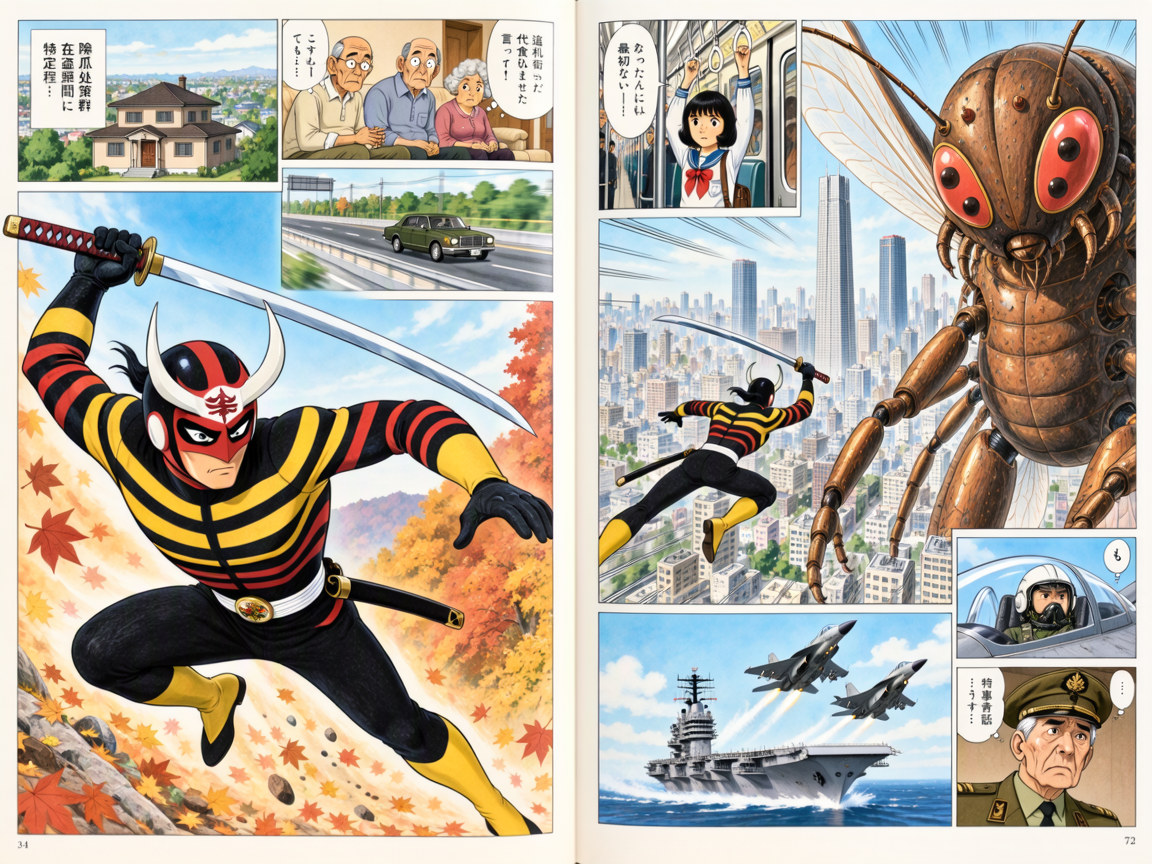
Adherence at 1, 2, 4, 6, 8, and 16, with the same prompt and seed. 1152 × 864, 40 steps.
dynamic two page spread of irregularly sized and arranged interlocking panels from a manga, mix of portrait and landscape, an establishing shot of a house and the suburbs, a second with older people at home looking worried, a scene with a schoolgirl on the subway, a sedan driving down the highway alone, a large panel of a samurai-styled superhero on the left with a horizontally striped costume in traditional autumn colors leaping toward a giant original insect head mechanical body mecha with four eyes on the right towering over the superhero with the superhero swinging a katana overhead with two hands in the middle of downtown Tokyo, another panel has an aircraft carrier with two fighter jets taking off, a tiny panel has a close up of a fighter jet pilot flying with a helmet in the canopy in the air, another small panel has a worried looking older military general with his hat on, pen and ink with watercolor and japanese text and thought bubbles, 1970s subtle and light manga style
Negative prompt: dark, monochrome, Gundam
 Adherence 1 | 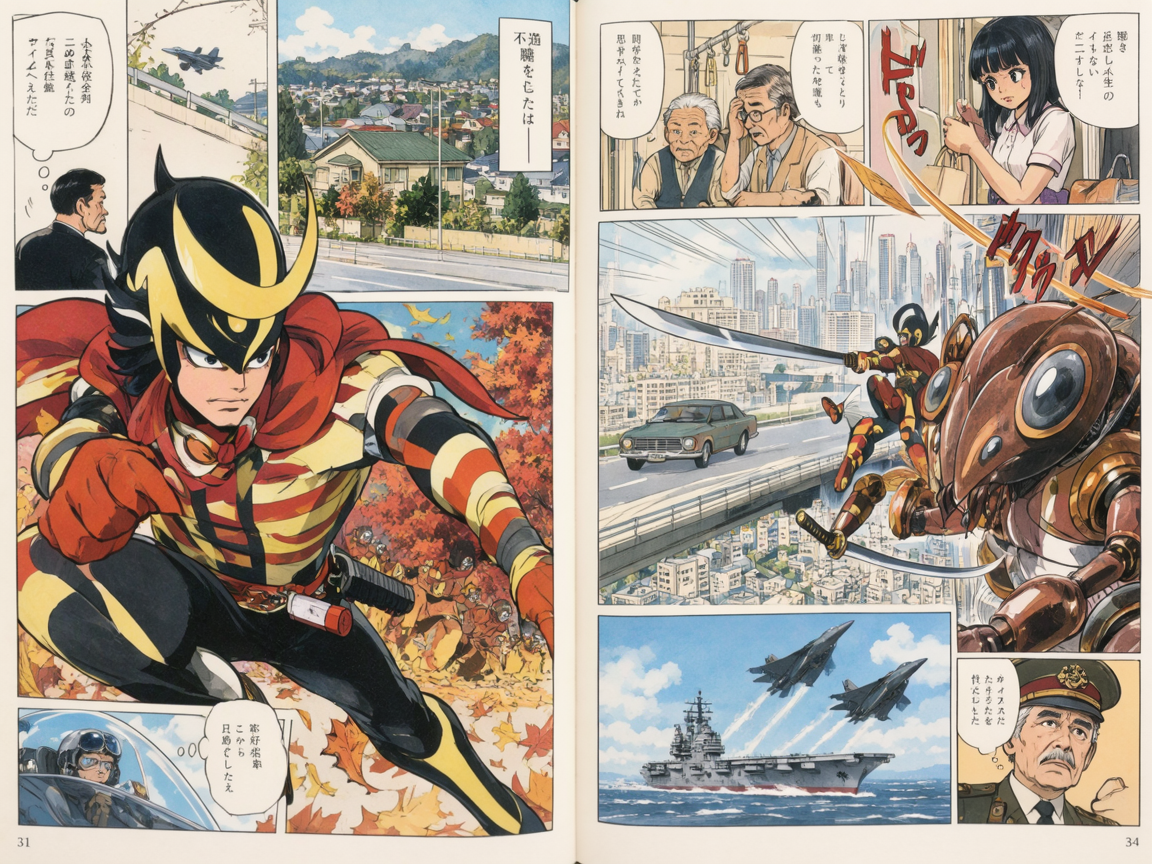 Adherence 2 | 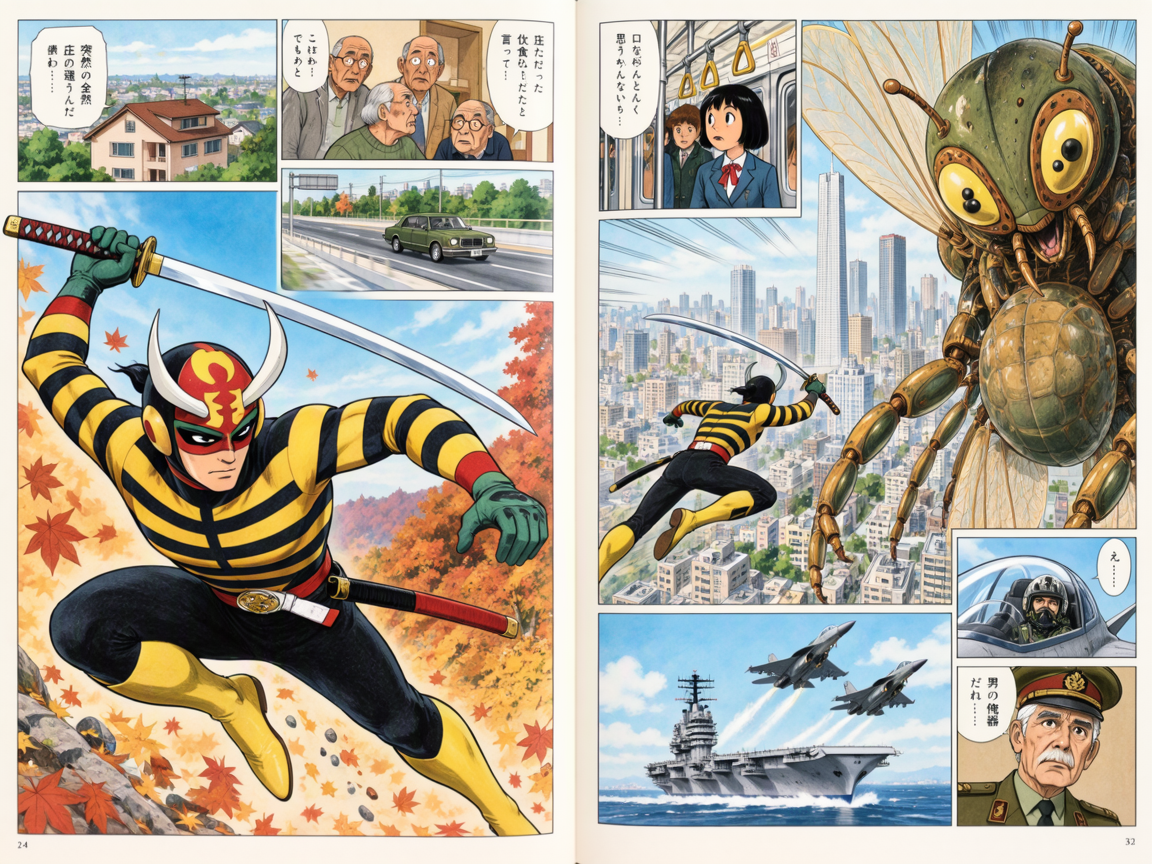 Adherence 4 |
 Adherence 6 | 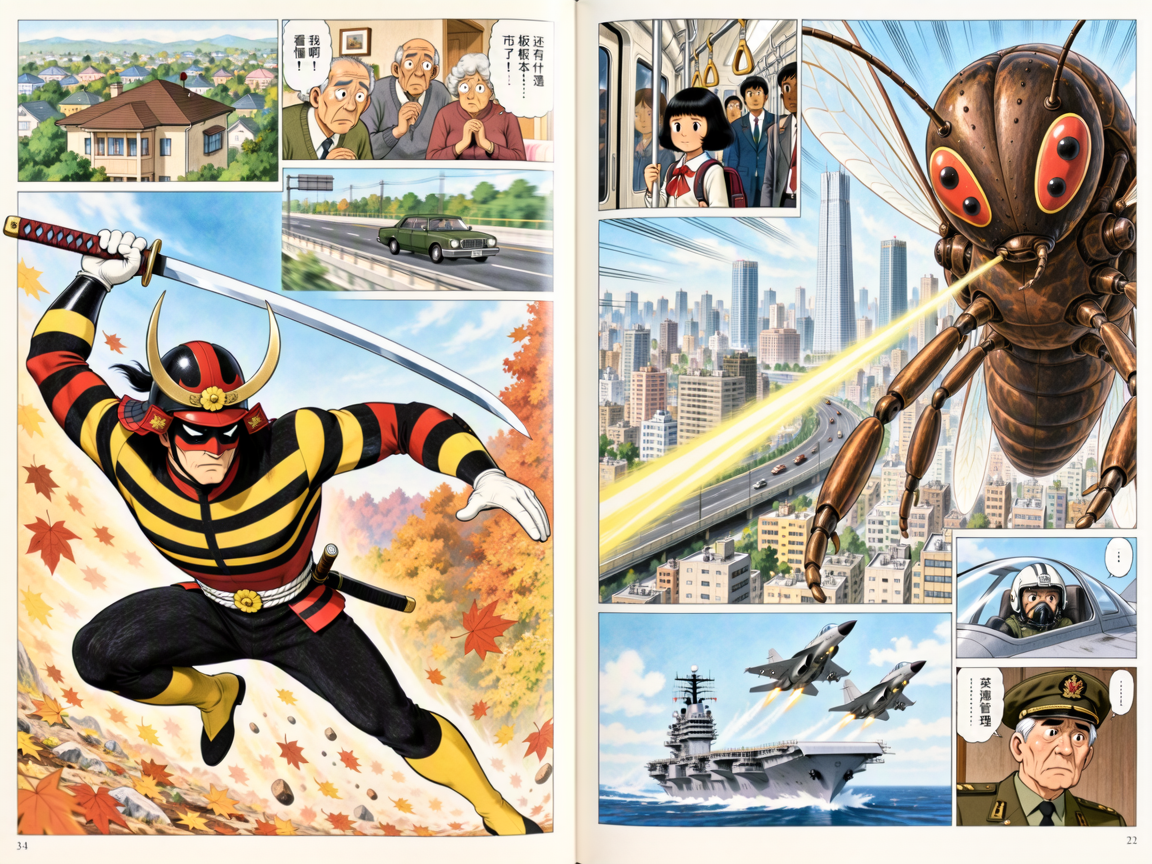 Adherence 8 | 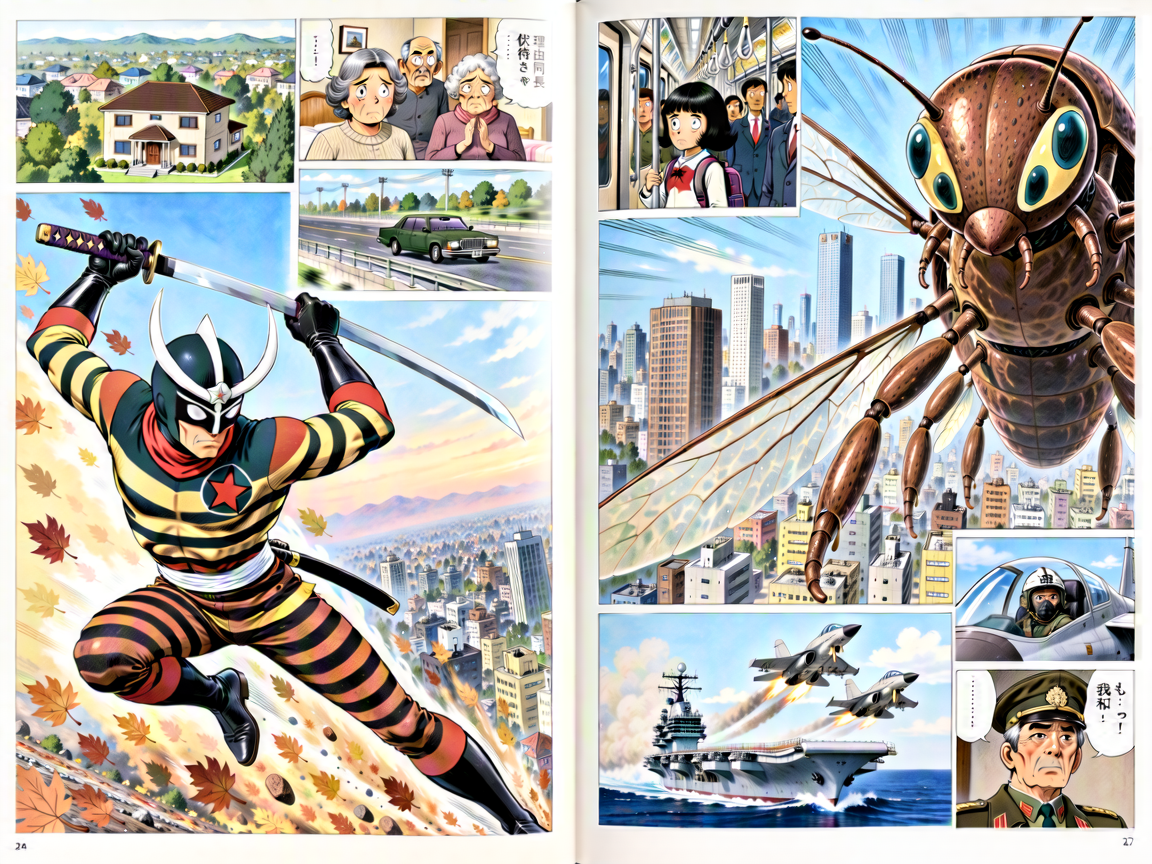 Adherence 16 |
What to notice:
- At 1, guidance is off. Each step takes half the time, but the picture barely follows the prompt: the panels run together and most of the listed scenes are missing.
- At 2, the scenes appear, but loosely drawn and in a different style.
- From 4 to 8, every listed panel is there, and the pictures differ mainly in detail. 4 is the sweet spot, and anything from 3 to 6 gives much the same result.
- At 16, colors and lines get harsh. Very high or very low values add artifacts.
The Japanese lettering is decoration: MOSS-Image writes plausible-looking fragments, not real dialogue, and at Adherence 8 some bubbles drift into Chinese. To get exact words, in any language, put them in the prompt in quotation marks (see Writing prompts).
Size
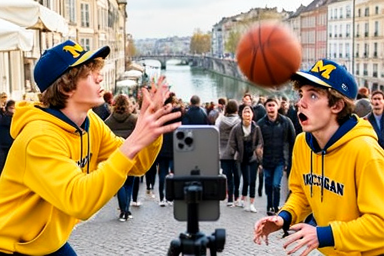
The same prompt and seed at six sizes, from 384 × 256 (0.1 megapixels) to 2496 × 1664 (4.2 megapixels). 50 steps, Adherence 4.
a crowded European street scene in which two college boys in matching maize and blue hoodies saying “Michigan” and matching maize and blue hats with an M on them in yellow, recording a tik-tok video where a vertical phone on a tripod is facing toward them, the student on the left is throwing a basketball in a push throw with both hands toward the head of the student on the right, the ball shows motion blur as does the thrower’s hands anda arms, the receiver on the right looks shocked and afraid as the ball moves toward his head, the background is a bridge over a river in Europe with a crowd of pedestrians in the background staring at them
Negative prompt: blurry, low quality
 384 × 256 (0.1 megapixels) | 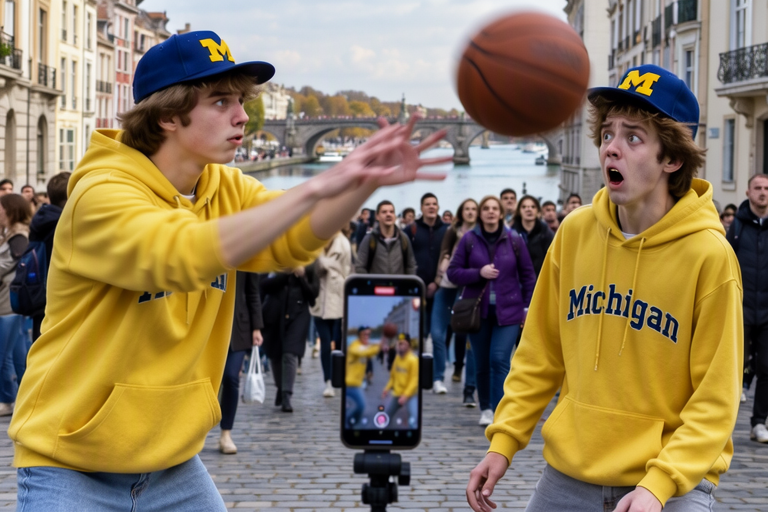 768 × 512 (0.4 megapixels) | 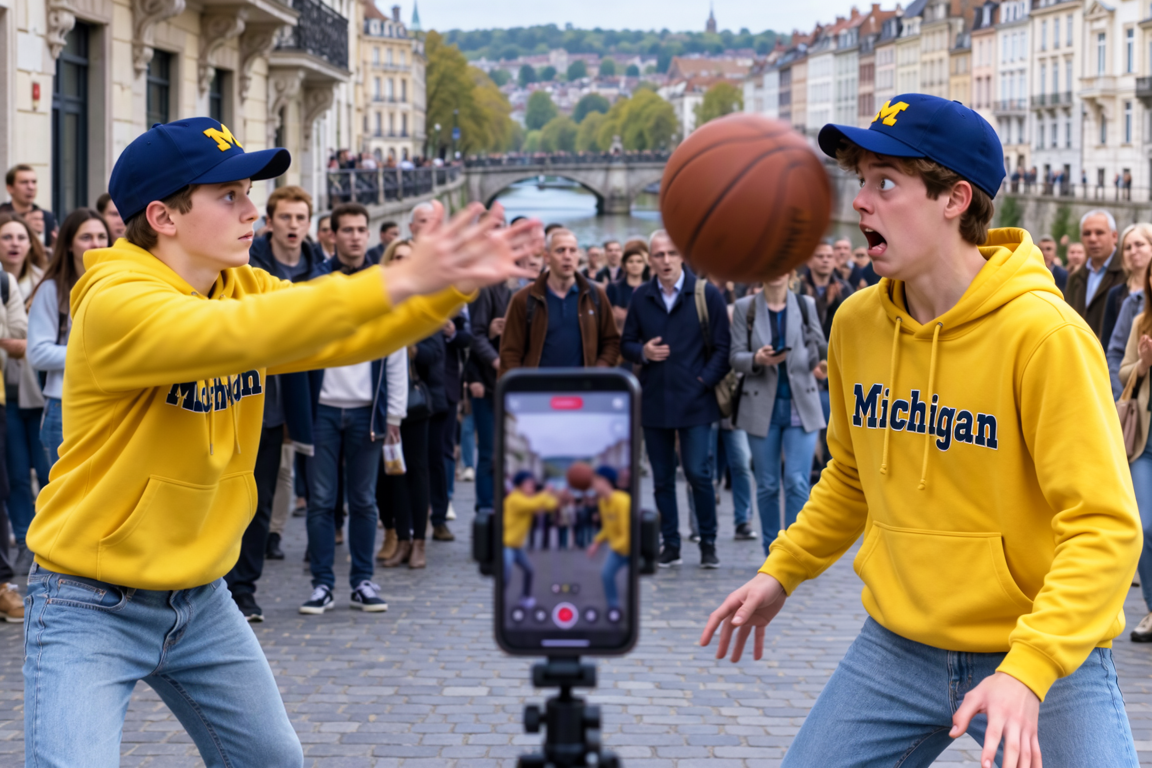 1152 × 768 (0.9 megapixels) |
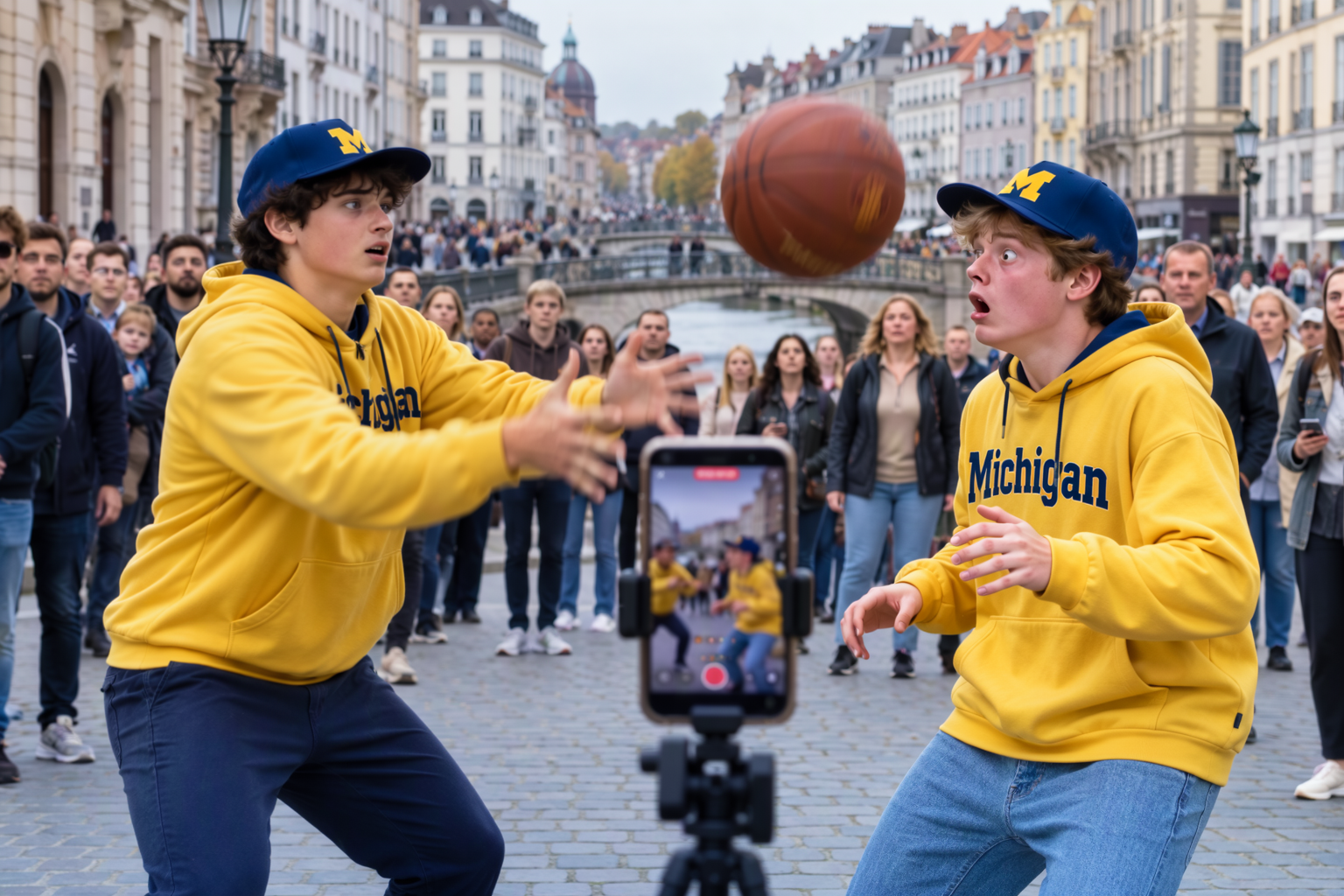 1536 × 1024 (1.6 megapixels) | 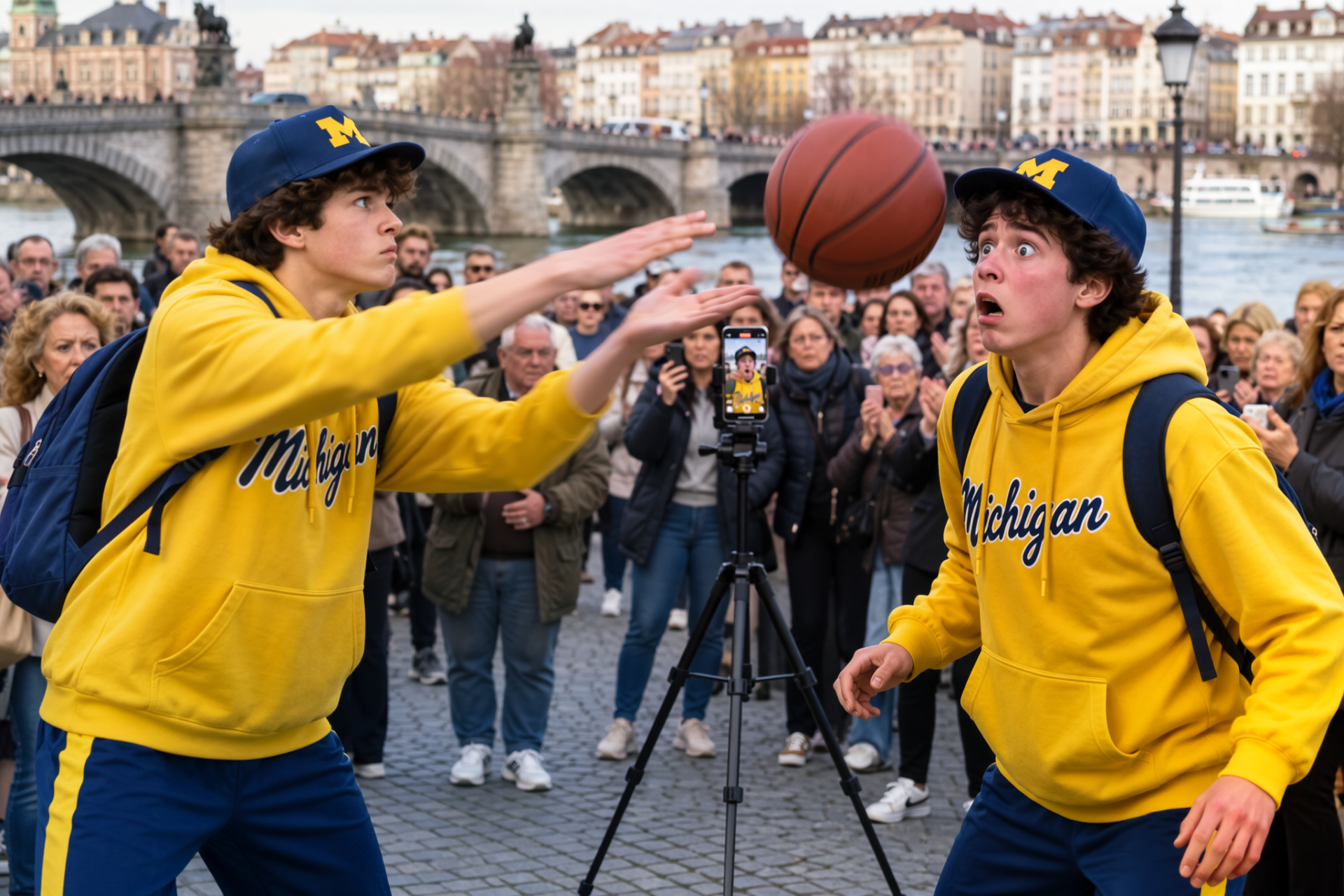 1920 × 1280 (2.5 megapixels) | 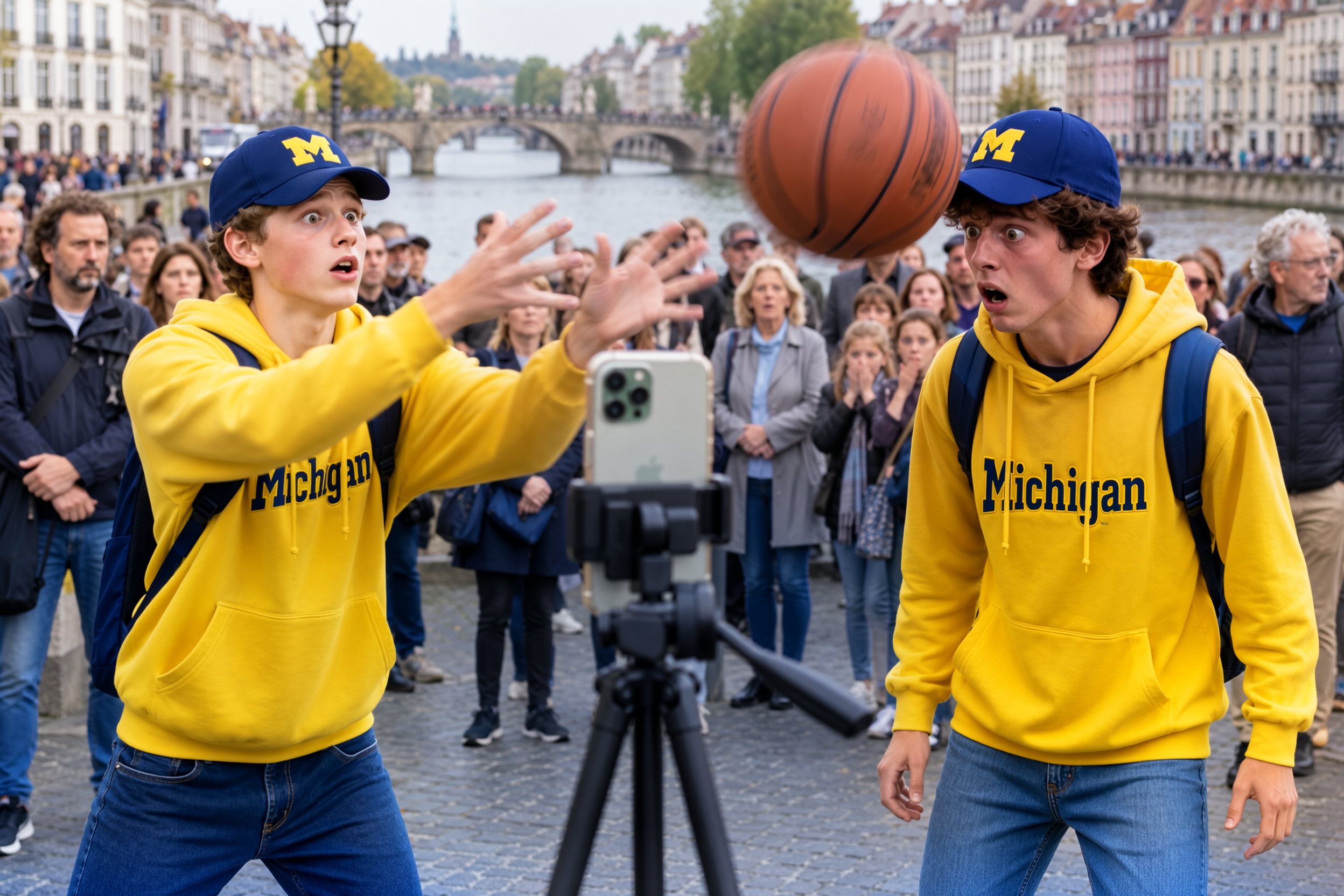 2496 × 1664 (4.2 megapixels) |
What to notice:
- The picture changes with the size, not just its sharpness: the same seed gives a different arrangement at each size.
- Around 1 MP and up, MOSS-Image does noticeably better, even allowing for the extra pixels: proportions, hands, the lettering, and the details the prompt asks for (the phone on its tripod, the crowd on the bridge) come out right more often. Small sizes are fine for trying out an idea.
Variations
Variations at strengths 0, 0.10, 0.25, 0.50, 0.75, and 1.00, all from the same picture: the cat seed from Samplers and steps with a new prompt. 512 × 512, Adherence 4.
side view of a red tabby Maine coon cat lying on a bed in moonbeam, sleek modern apartment, digital RAW
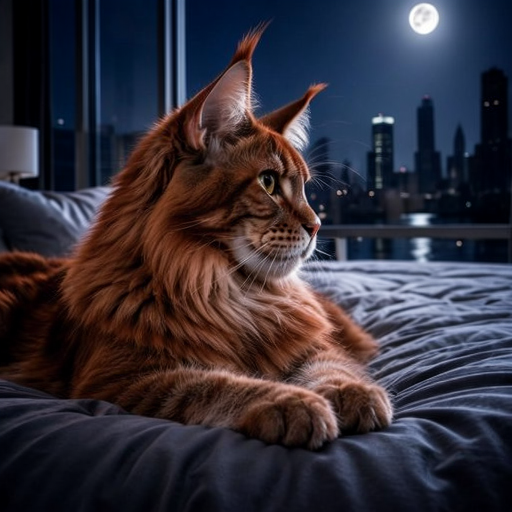 0 (the original) | 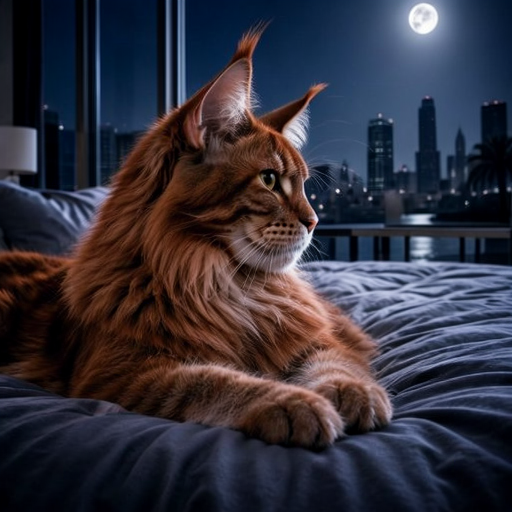 0.10 | 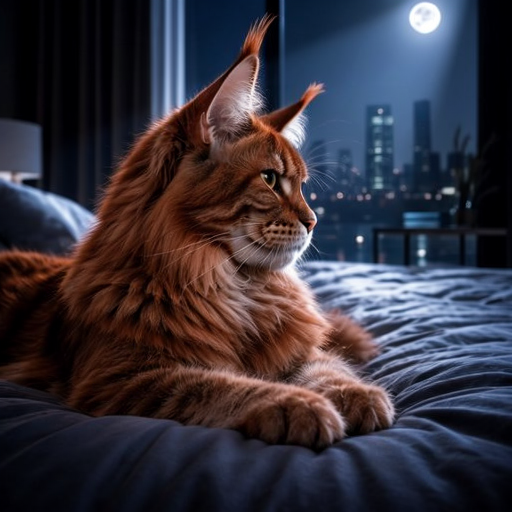 0.25 |
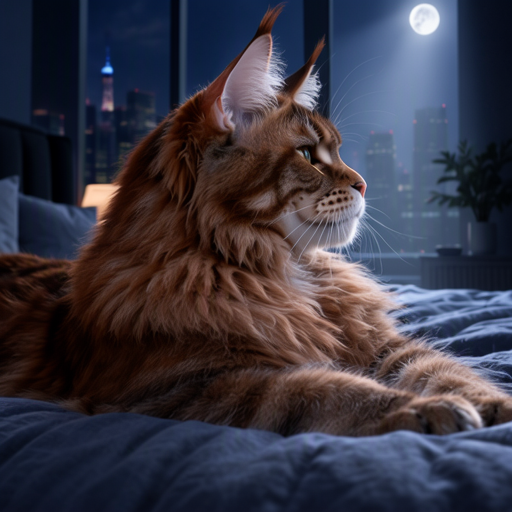 0.50 | 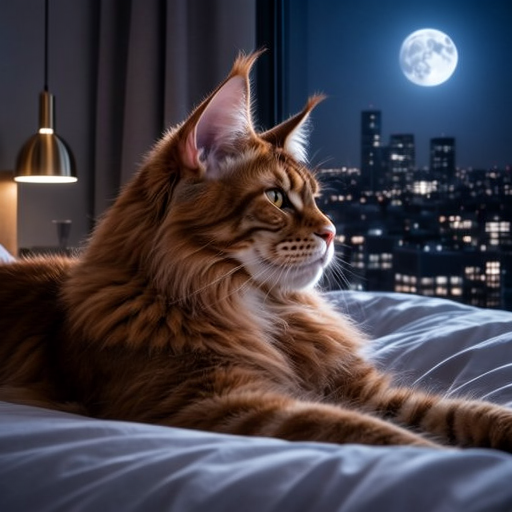 0.75 | 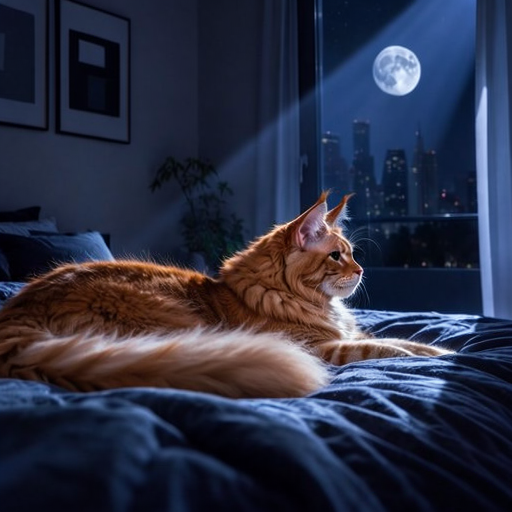 1.00 |
What to notice:
- Up to about 0.25, it’s the same picture with small changes: the skyline, the moon, the fur.
- At 0.5 and 0.75, the room and the light change while the idea stays.
- At 1.0, it’s a new picture, as different as a new seed.
Starting from a picture
A 1909–1911 baseball card of Cy Young as the starting picture, at Change 0.25, 0.50, 0.75, 0.80, 0.85, 0.90, and 0.95. 368 × 640 (the card’s own size), 50 steps, Adherence 6, seed 3078153374. Raising the size at the same time, to 1 megapixel say, would have upscaled the card as well.
modern color photographic baseball card of a pitcher shown from the side holding a baseball in the golden hour on a field of green that goes to the horizon about midway up the background with a beautiful golden-orange sunset. He is wearing a crisp white jersey and pants, black belt, and a bright red shirt under the white shirt with a red collar sticking out and red sleeves extending past the short white sleeves, and a bright red hat with a white “Z” on it, at the bottom of the card a sans-serif caption: “OLD, ZANESVILLE”
Negative prompt: cartoon, anime, drawing
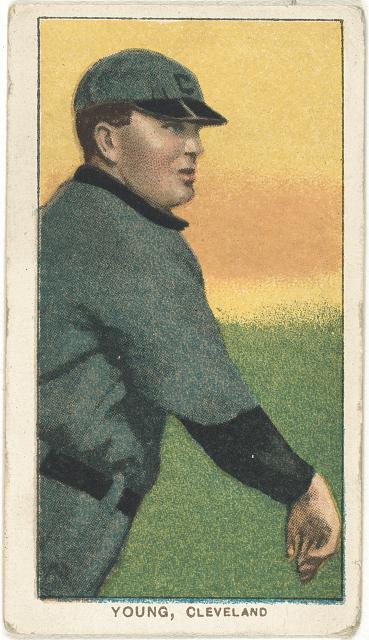 the original card | 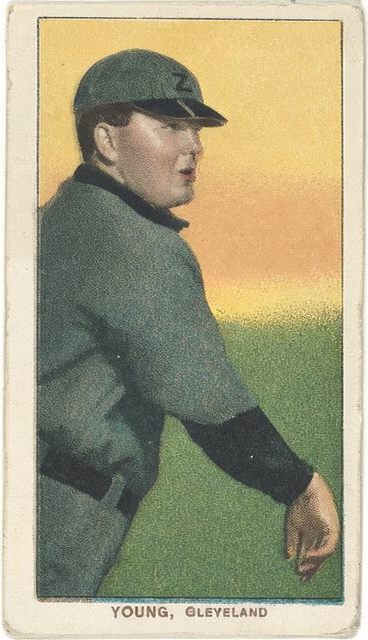 Change 0.25 | 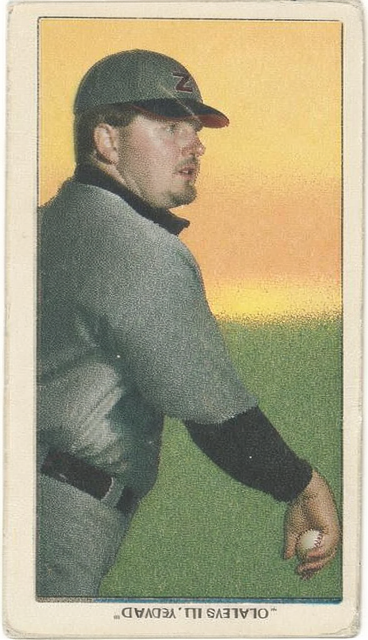 0.50 | 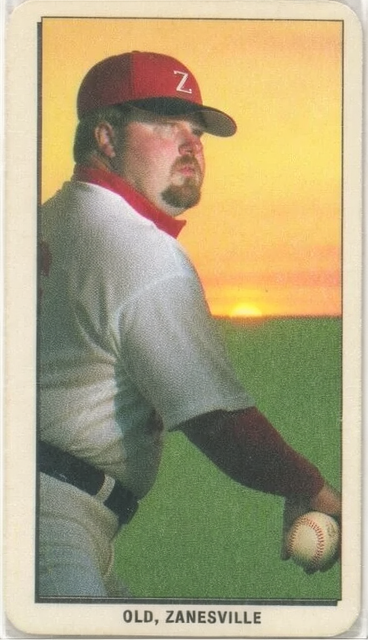 0.75 |
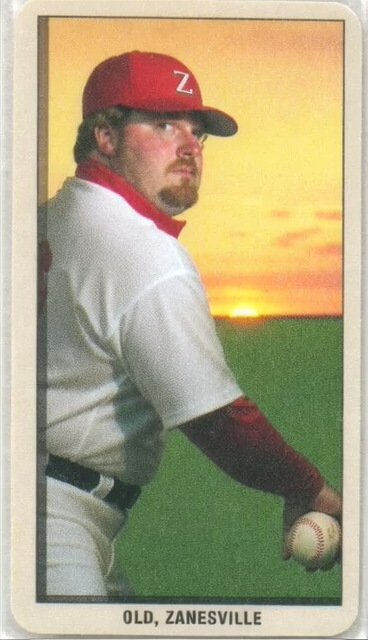 0.80 | 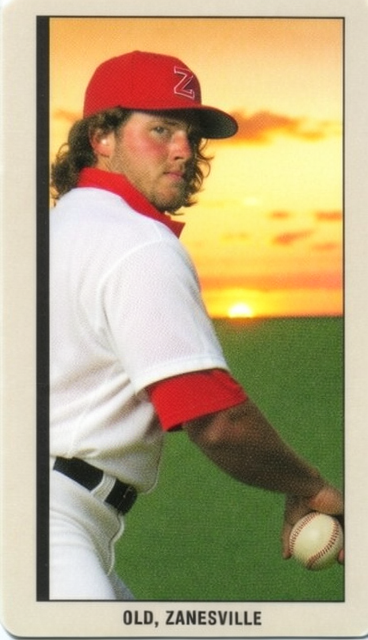 0.85 | 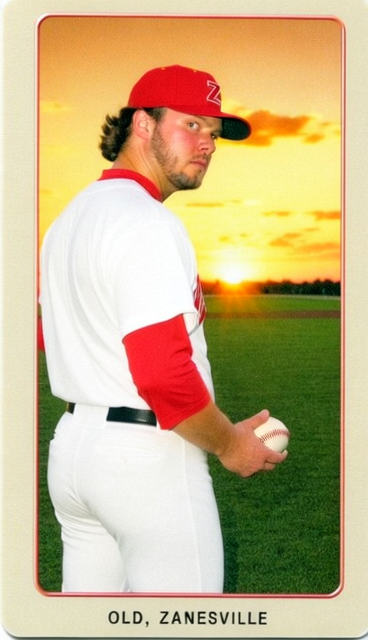 0.90 | 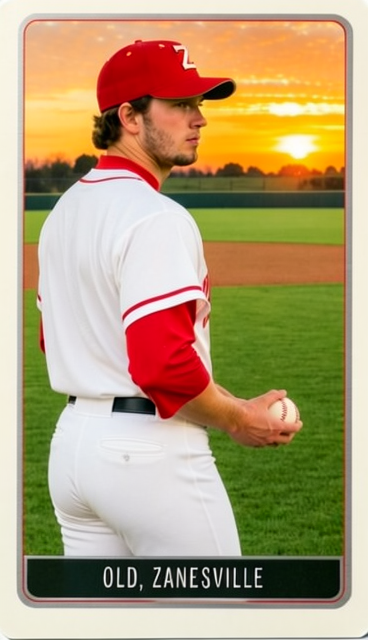 0.95 |
Card: [Cy Young, Cleveland Naps, baseball card portrait], card set White Borders (T206), issued by the American Tobacco Company, 1909–1911. Library of Congress, Prints and Photographs Division, Benjamin K. Edwards Collection; no known restrictions on publication. loc.gov/pictures/item/2008676577
What to notice:
- At 0.25, the card is retouched, not changed: the same colors and caption, with only the “C” on the cap turned into the prompt’s “Z”.
- At 0.50, details are redrawn (the face, a ball in the hand) but the card’s colors stay, and the caption starts to come apart into invented lettering.
- From 0.75 to 0.85, the prompt takes over the colors and clothes (the white jersey, the red collar, sleeves, and cap, the sunset) and the caption reads as quoted, while the pose, framing, and border stay. By 0.85 it is a different man.
- At 0.90, a new picture on a similar card, with the pitcher turned toward the camera; at 0.95, a modern card that keeps only the subject, the colors, and the general idea.
- Words come out right only when the prompt gives them in quotation marks, and once Change is high enough to redraw them.
Same Change, other seeds
The same settings at Change 0.85 with eight random seeds.
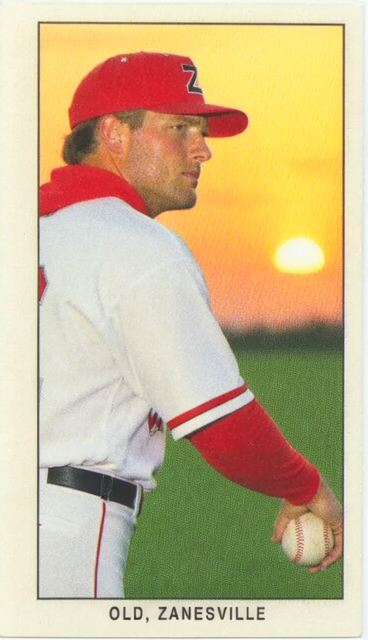 seed 1 | 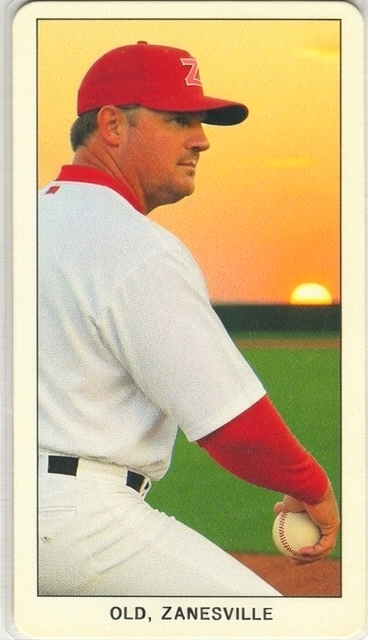 seed 2 | 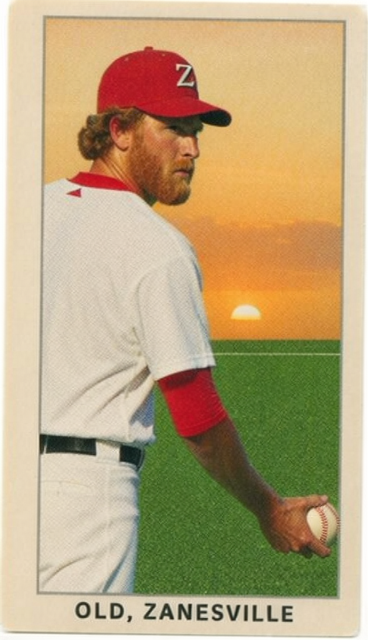 seed 3 | 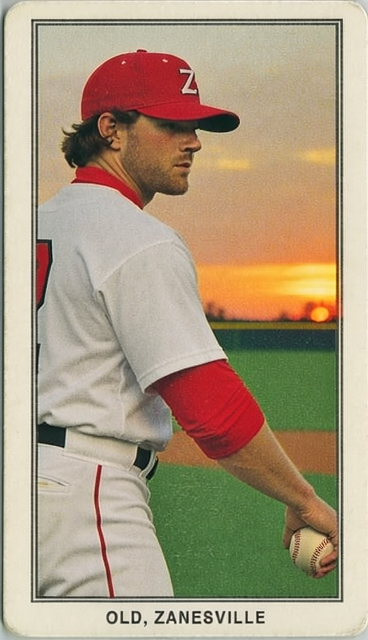 seed 4 |
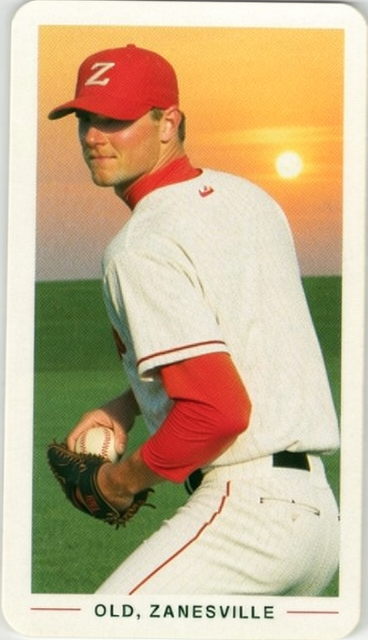 seed 5 | 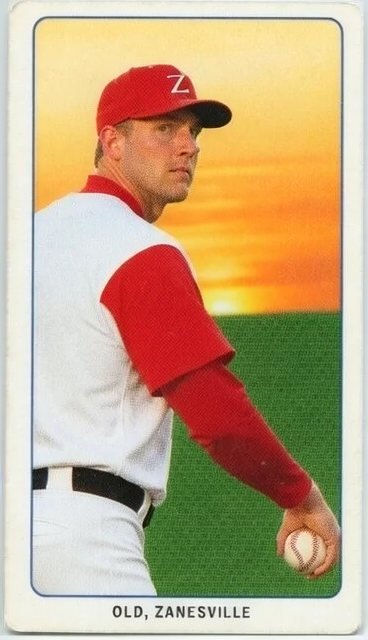 seed 6 | 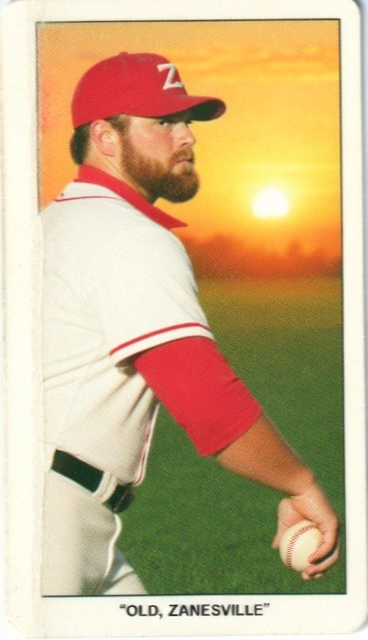 seed 7 | 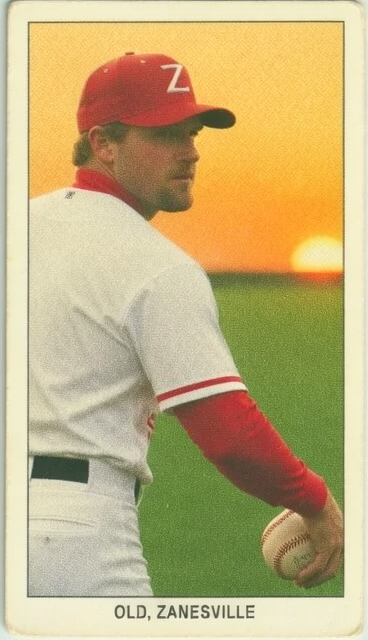 seed 8 |
What to notice:
- The card holds steady: every seed keeps the side view, the ball in the throwing hand, the border, and the caption, and all eight spell it right.
- What the card left open changes: the face, hair, and beard, where the sun sits, how far the red sleeves reach. One seed brings the ball and a glove up in front of the body.
- A prompt can be followed too literally: one seed prints the caption’s quotation marks.
Changing part of a picture
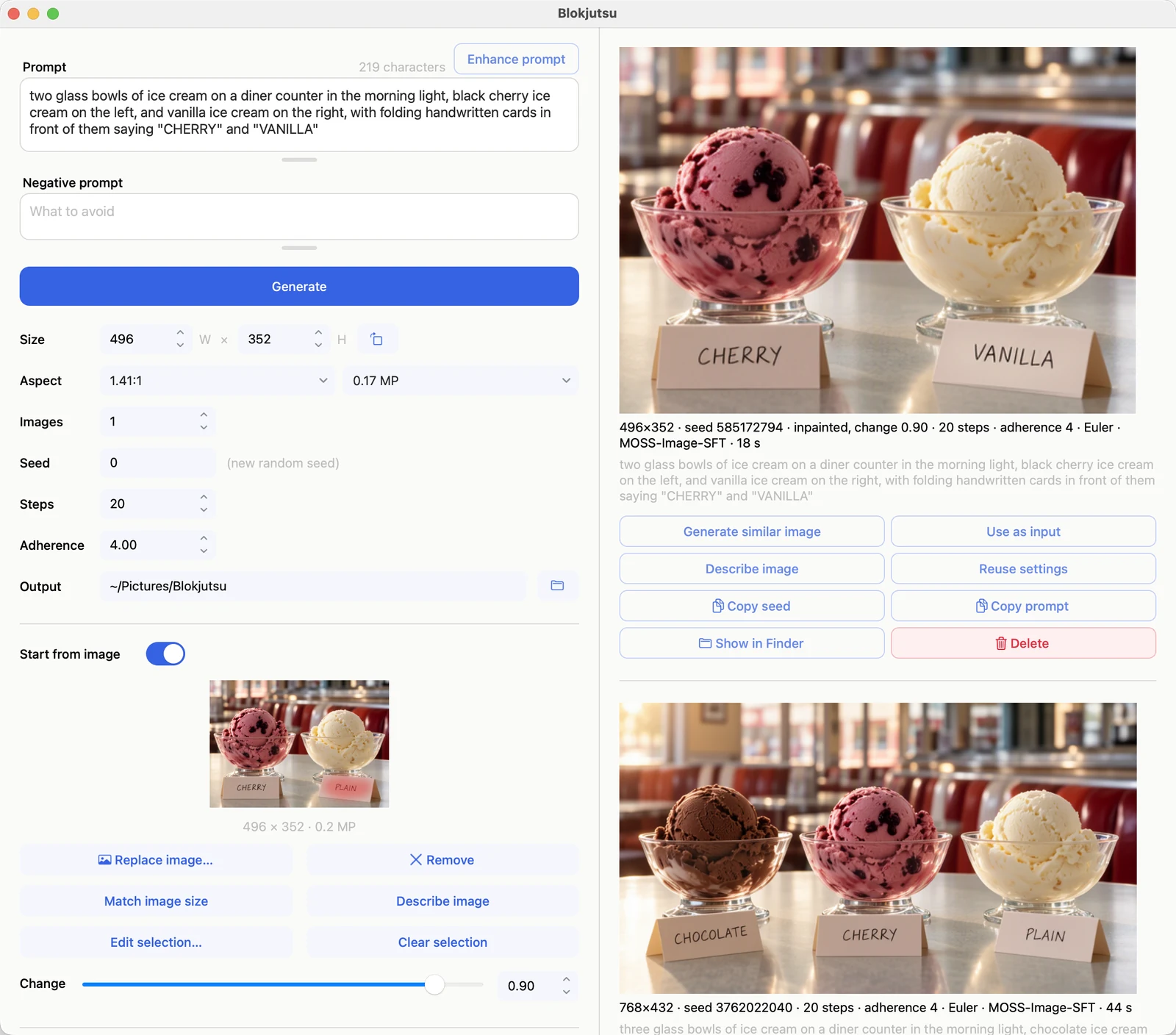
The ice cream picture from the home page, cropped to two bowls in the area editor, with the card reading PLAIN painted so it can be rewritten:
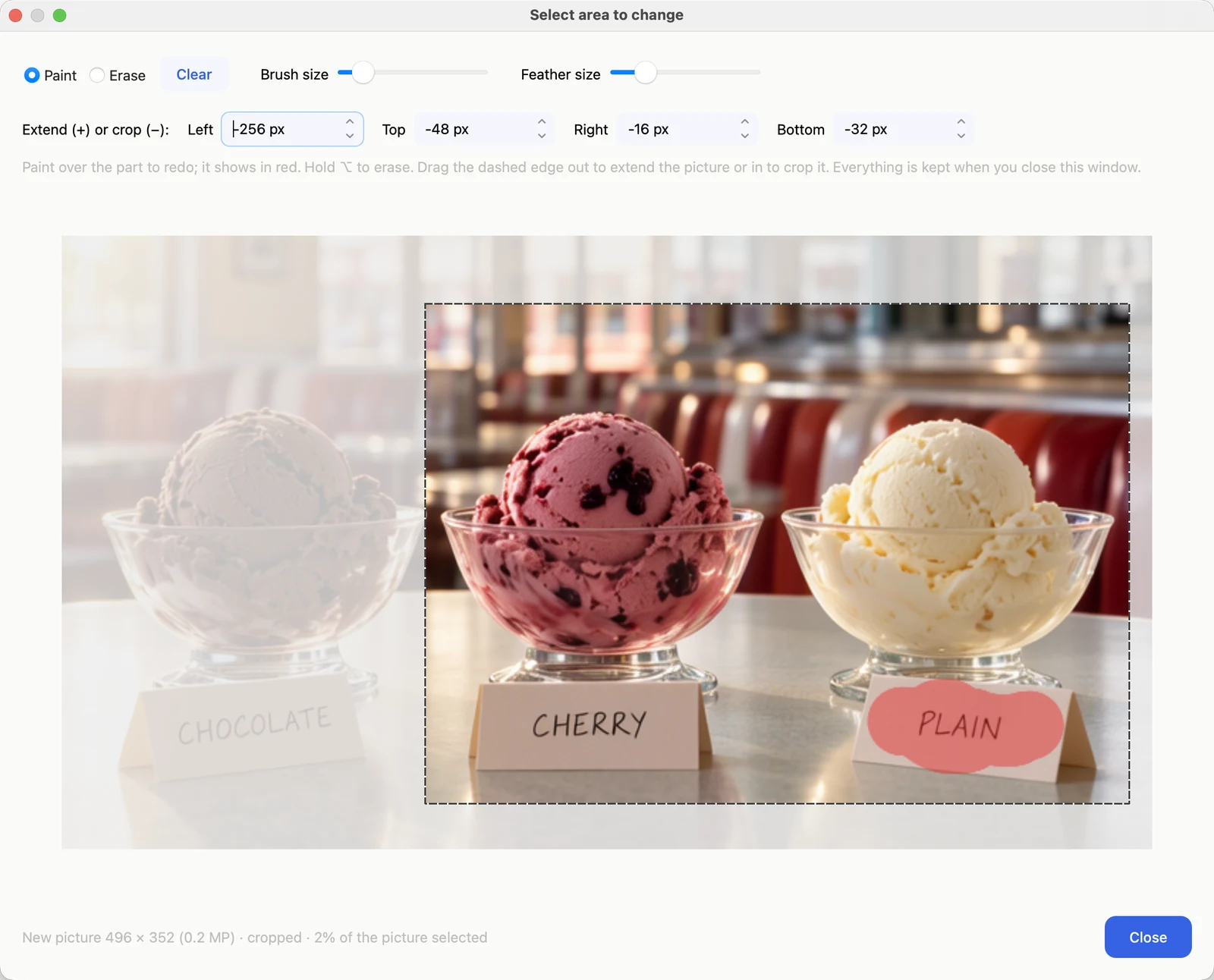
The result, with a prompt that names the cards “CHERRY” and “VANILLA”, at Change 0.90. Only the painted card changed; the original is below it in the history.
Describing a picture
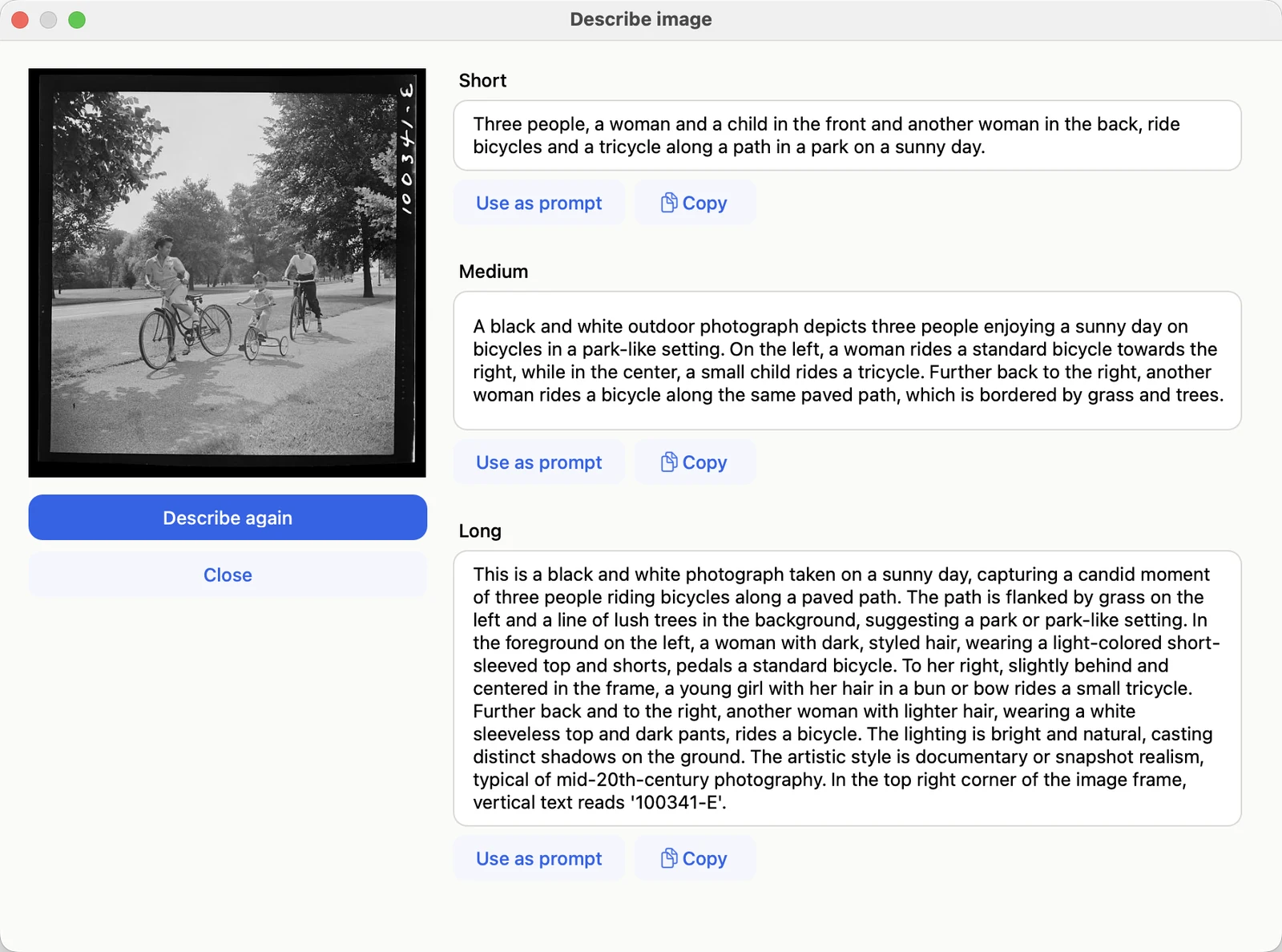
Describe image on a 1942 photograph. The long description even reads the negative number in the corner. Photograph: Marjory Collins, “Sunday cyclists in East Potomac Park, Washington, D.C.”, June–July 1942. Library of Congress, Farm Security Administration/Office of War Information collection; public domain. loc.gov/item/2017825632