Install and Uninstall
Free and open source (Apache 2.0) · Mac with Apple silicon, 32 GB memory, 40 GB disk
Version 1.0.0rc4 · 360 MB
What you need
- Mac: Apple silicon (M1 or later), macOS 12.3 or later
- Memory: 32 GB or more; 48 GB or more is comfortable (why)
- Disk: about 40 GB free, mostly for the model
- Internet: only for downloading the app and, once, the model
Installing
- Open the downloaded
Blokjutsu-1.0.0rc4.dmg. A window opens with Blokjutsu and your Applications folder. - Drag Blokjutsu onto Applications.
- Eject the disk image (in the Finder sidebar), and move it to the Trash if you like.
- Open Blokjutsu from Applications, Launchpad, or Spotlight. The first time, macOS says it was downloaded from the internet and asks whether to open it; click Open. Apple has checked it, so this is the only question.
The model download
The first time Blokjutsu opens, it asks before downloading the MOSS-Image model: about 30 GB from Hugging Face, a site that hosts open AI models. The dialog says exactly what is fetched and what is sent. Click Download, or Not now to do it later from File → Download Model….
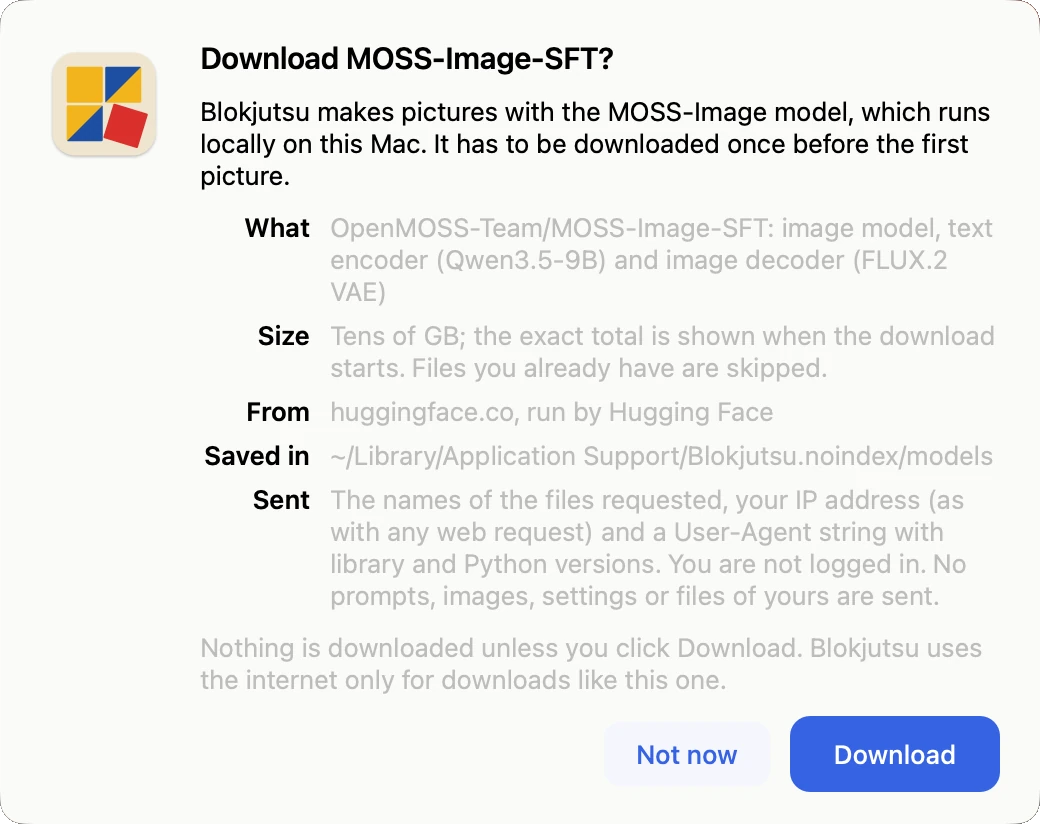
The download takes a while on a typical home connection. You can cancel it; when you start again it carries on where it left off. The model is stored in Blokjutsu’s own folder, which is kept out of Time Machine backups and Spotlight (why, and how to change it).
Describing images and Enhance prompt need one more, smaller download (2 GB), offered the first time you use them.
Updating
Download the new version and drag it onto Applications as before, choosing Replace. Your pictures, settings, and the model are kept. Each Blokjutsu release uses the model version it was tested with and fetches a newer one only if that release moves to it.
Uninstalling
Drag Blokjutsu from Applications to the Trash. That removes the app, but keeps your pictures, your settings, and the model.
The model takes about 30 GB. To remove it as well, with everything else Blokjutsu keeps:
- In Finder, choose Go → Go to Folder…, type
~/Library/Application Support, and press Return. - Move the folder
Blokjutsu.noindexto the Trash, and empty the Trash.
That folder also holds the pictures in the default Output folder, so move any you want to keep first. Pictures in an Output folder you chose yourself are not in it.
Other ways to install, from Terminal or with Python, are described in the README on GitHub.